The timer was supposed to make the work easier, but the setup started to feel like another task. One app had a Pomodoro timer. Another offered a study timer with statistics. A browser tab had an online timer. The phone had its own focus mode, and a productivity app was already asking for a project name before the session even began.
The work had not started yet. The system was already busy.
That small delay matters more than it seems. A focus timer is useful because it gives the work a clear edge. It tells the mind when to begin, when to stay, and when it can stop negotiating with the room. But when the timer itself becomes complicated, the session loses its quiet beginning.
A good focus timer does not need to turn every work block into a full productivity system. For deep work, studying, writing, editing, or building a small project, the timer should make the next session easier to enter, not harder to prepare.
A focus timer works best when it removes the first decision
The first problem is not always concentration. Often, it is the small moment before concentration. The document is open, the desk is ready enough, and the task is known, but the mind keeps waiting for a cleaner start. One more tab gets checked. One more note gets moved. One more setting gets adjusted.
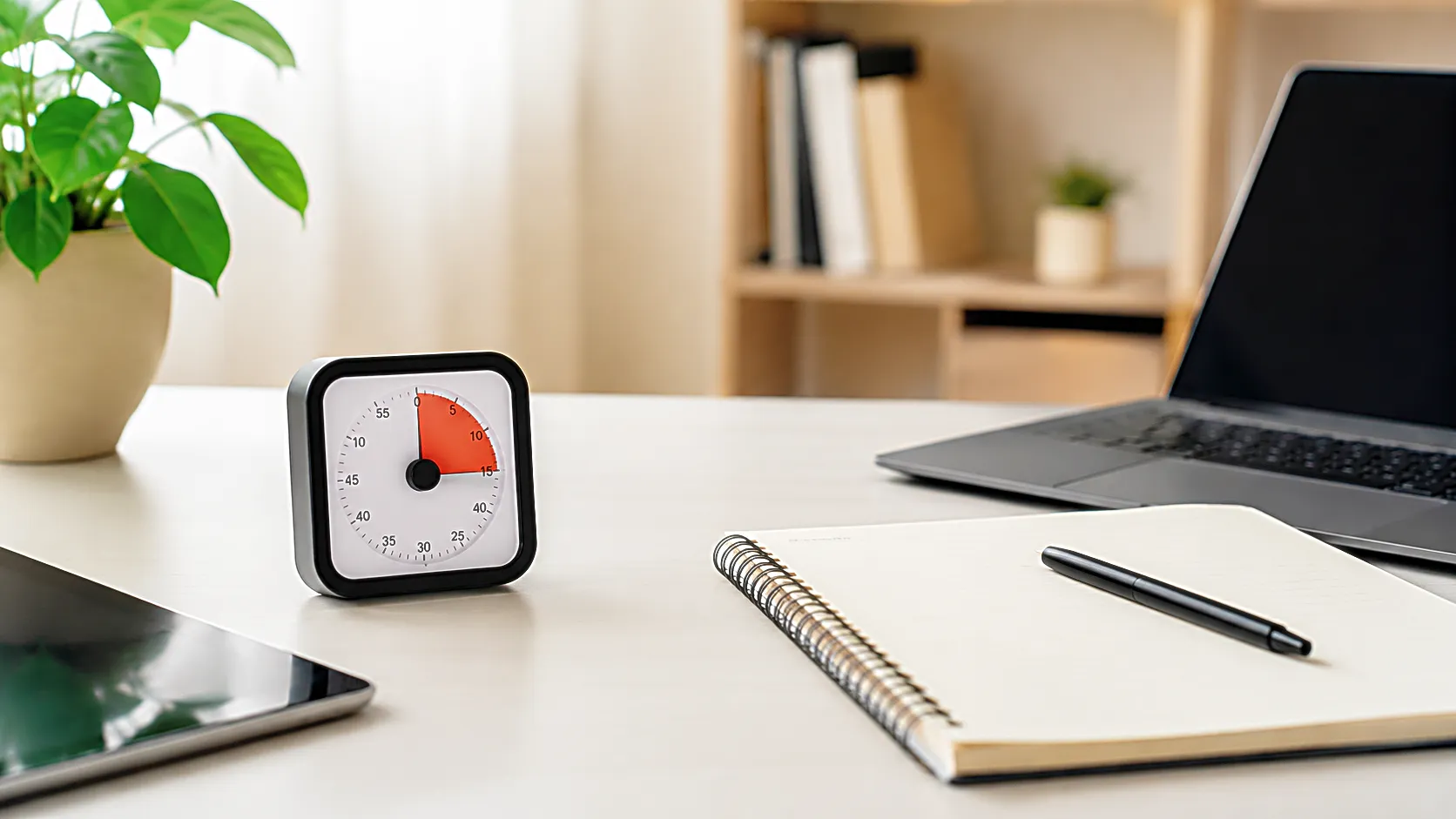
A focus timer can help because it gives that moment a boundary. When the session begins, the work no longer has to be debated. The timer does not make the task easy, but it makes the start visible. That is why a simple online timer can sometimes feel better than a large productivity app. There is less to configure and fewer places to hide.
For deep work, the timer should answer one question quickly: how long will this session last? If it asks too many other questions first, it may be solving the wrong problem. Labels, reports, streaks, projects, and charts can be useful later, but the first session often needs less management.
The timer is not there to impress the workflow. It is there to protect the beginning.
Pomodoro can help, but the method should not become the work
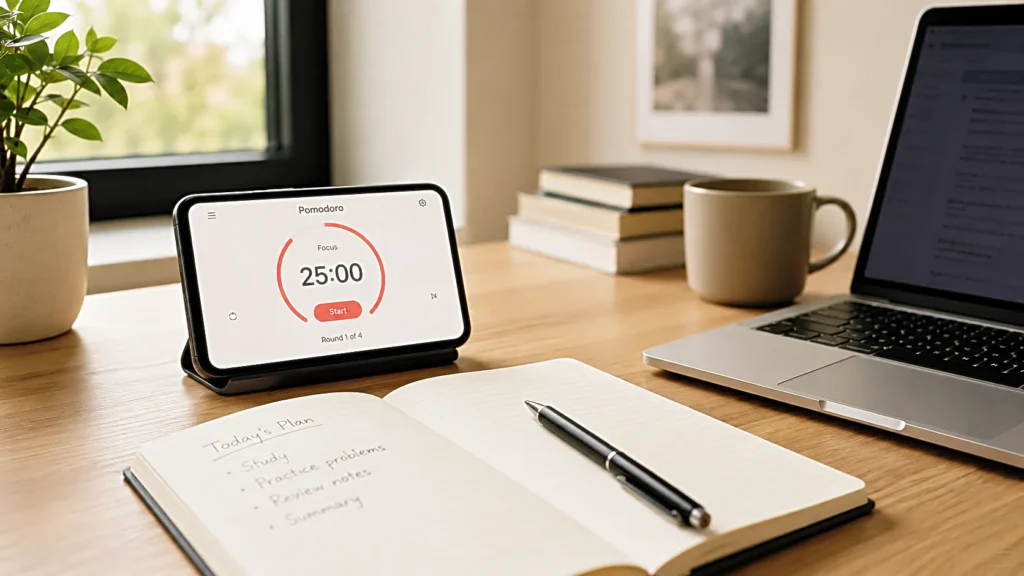
The Pomodoro timer is popular for a reason. A defined session, a short break, and a repeatable rhythm can make a long task feel easier to approach. For studying, writing, research, coding, or editing, a 25 minute focus block may feel small enough to begin without resistance.
Still, the method can become too visible. Some people spend more time adjusting the Pomodoro timer than entering the work. They compare 25 minutes with 30 minutes, short breaks with long breaks, strict cycles with flexible blocks. The structure begins to demand attention, and the actual task waits in the background.
A Pomodoro timer works best when it stays simple enough to disappear. The exact length matters less than whether the session is easy to repeat. If 25 minutes feels too short for deep work, a longer block may fit better. If 50 minutes feels too heavy, a shorter study timer may keep the door open. The useful rhythm is the one that lets the work begin without turning the method into another decision.
For Focus Room, that is the standard worth keeping. The timer should support the session, not become the main character of the session.
Deep work needs fewer switches, not more pressure
Deep work often sounds serious. The phrase can make a session feel like it has to be long, pure, and perfectly protected. That pressure can make starting harder. If the room is not perfect, the mind says the session is already weakened. If the first few minutes feel slow, the whole block starts to feel like a failure.
A deep work timer should not create that kind of pressure. It should give the task enough space to settle. Some sessions need forty minutes. Some need ninety. Others only need fifteen minutes to move a stuck draft forward. The length is less important than the reduced switching inside the block.
A useful productivity timer makes one promise clear: during this session, the task in front has priority over the other things asking to be touched. The browser can wait. The phone can wait. The second project can wait. The timer helps because it gives those waiting decisions a place outside the session.
This is where a simple focus timer can do more than a complicated app. It does not need to know everything about your life. It only needs to hold the next block steady.
A study timer should make the task smaller, not the day bigger
Students often use timers because the day feels too wide. There is reading to finish, notes to review, problems to solve, lectures to revisit, and messages to answer. Without a boundary, the whole day becomes one large unfinished room.
A study timer helps when it cuts that room into one visible section. Read ten pages during this block. Review one topic. Solve one set of problems. Rewrite one page of notes. The timer does not carry the entire study plan. It carries the next part of it.
The mistake is expecting a timer to create the plan by itself. If the session starts with “study everything,” the timer can only measure uncertainty. A better study session begins with a smaller task and a timer that fits it. The task gives the session direction, and the timer keeps that direction from spreading too far.
This is also useful for creators and freelancers. A blog post, video edit, product comparison, or image prompt session can feel too large until it is placed inside one clear block. The timer is not a full workflow. It is a container for one movement inside the workflow.
The break should not reopen the whole internet
Breaks are supposed to help the next session begin, but many focus sessions fall apart between blocks. The timer ends, the hand reaches for the phone, and the short break turns into a new stream of inputs. A message appears. A feed opens. A small check becomes another fifteen minutes of attention leaving the task.
The break is part of the timer system, even if it feels separate. A focus timer for deep work should make the break feel clean enough to return from. That may mean standing up, looking away from the screen, drinking water, stretching, or simply letting the eyes rest. It does not have to become a wellness routine. It only needs to avoid pulling the mind into a stronger loop than the work itself.
An online timer can help here if it keeps the break visible without sending you back to the phone. When the break has its own boundary, returning to the next session feels less like starting from zero again.
The best break is not always the most relaxing one. It is the one that lets the next block remain possible.
An online timer is useful when it stays out of the way
There is a quiet advantage to using an online timer inside the workspace. It can sit in a browser tab, on a second screen, or inside a Focus Room page without asking the phone to come closer. For people trying to reduce phone distractions, that matters.
A phone timer can work, but it also lives inside the most tempting device in the room. Checking how much time is left can become checking a message. Stopping the alarm can become opening another app. The timer is useful, but the device around it is not neutral.
A browser based focus timer is not automatically better, but it can reduce that friction. If the timer is easy to start, easy to see, and quiet enough not to interrupt the writing, reading, or editing itself, it earns its place. The page should not be overloaded with features. Too many buttons can turn the session into setup again.
For Focus Room, the timer should feel more like a small room than a dashboard. Open it, choose the session, begin the work, and let the tool become background.
The session length should match the kind of work
Different tasks need different timers. A short focus timer can help with email cleanup, outline review, or a quick writing warmup. A longer deep work timer may fit drafting, reading, coding, music practice, or editing. A study timer may need enough time for the brain to enter the material before the break arrives.
Choosing the same length for every task can make the timer feel less useful. If the session is too short, the work keeps getting interrupted just as it begins to settle. If it is too long, starting feels heavy and the mind may resist before the timer even begins.
The better question is not which timer length is perfect. It is what kind of work needs protection right now. A task that only needs movement can use a small block. A task that needs immersion deserves a longer one. A task that feels emotionally heavy may need a shorter entrance so it does not become easier to avoid.
A focus timer becomes more helpful when the session length belongs to the task, not to a rule copied from somewhere else.
A simple timer can reveal the real friction
One unexpected benefit of a simple productivity timer is that it shows where the work keeps breaking. If a 25 minute timer fails because the phone gets checked every time, the issue is not the timer length. If a deep work timer fails because the task is unclear, the issue is the setup. If a study timer fails because the break becomes scrolling, the weak point is between sessions.
A complicated app can hide those patterns under reports and features. A simple focus timer makes them easier to notice. The session begins, the work either moves or it does not, and the reason becomes harder to ignore.
That kind of feedback is useful. It keeps the solution close to the actual friction. Maybe the task needs to be smaller. Maybe the phone needs to move. Maybe the break needs a better boundary. Maybe the room is too noisy. Maybe the timer is fine, and the problem sits before it.
The timer does not solve everything, but it can make the next adjustment easier to see.
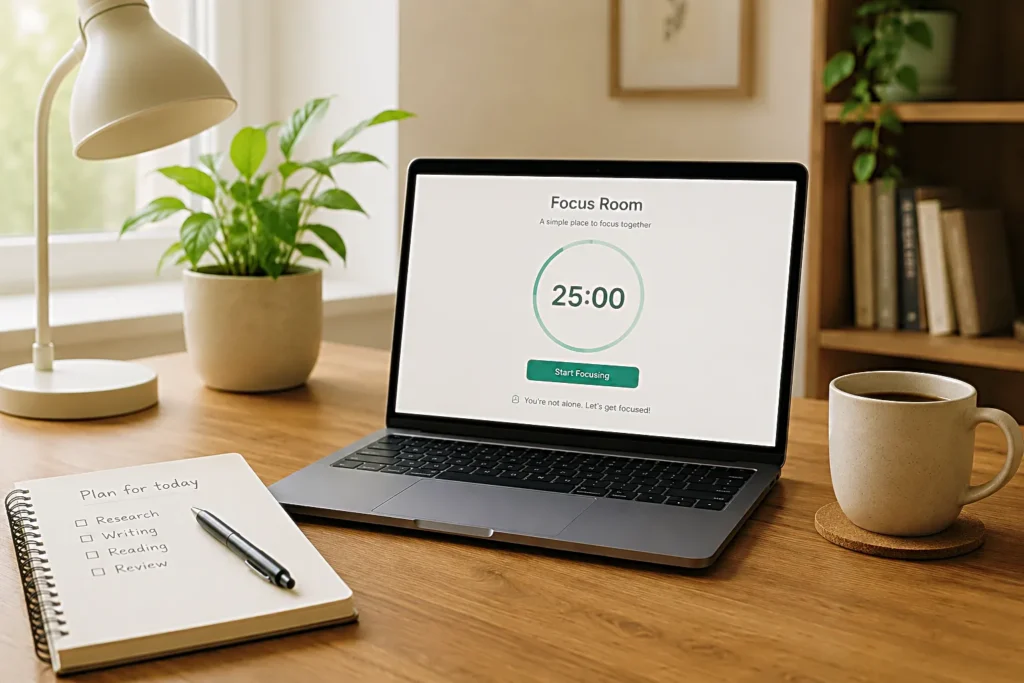
Focus Room should feel easy to enter again
A focus tool becomes valuable when it is easy to return to. Not because it has the most features, and not because it turns productivity into a performance. It becomes useful because the next session feels available without much thought.
That is the role a Focus Room can play on a site like CalmSori. It gives the reader a place to move after the article. Someone reading about deep work, study focus, rain sounds, workflow, or digital fatigue may not need another long explanation right away. They may need a simple space where the next block of work can begin.
A focus timer, Pomodoro timer, study timer, or online timer works best when it supports that transition. The article gives the reason. The tool gives the starting line. If the reader is already thinking about working, the room should not slow them down with too many choices.
The simpler the entrance, the more likely the tool becomes part of a repeatable routine.
The timer should leave the work in front
A timer can become another app to manage, or it can become a quiet edge around the task. The difference is usually not the feature list. It is whether the tool makes the work easier to start and easier to return to.
For deep work, the session needs fewer switches. For studying, the task needs a smaller container. For creators, the workflow needs one block that moves the next piece forward. A good focus timer supports those moments without asking for the whole system to be rebuilt.
Keep the session simple first. Let the task decide the length. Let the break stay light enough to return from. When the timer stops competing for attention, the work has more room to stay in front.
Related FAQ
It should become its own article when the reader has one clear question that cannot be answered well inside another post. Otherwise, it may work better as a section or FAQ.
It should become its own article when the reader has one clear question that cannot be answered well inside another post. Otherwise, it may work better as a section or FAQ.
It should become its own article when the reader has one clear question that cannot be answered well inside another post. Otherwise, it may work better as a section or FAQ.
It should become its own article when the reader has one clear question that cannot be answered well inside another post. Otherwise, it may work better as a section or FAQ.
It should become its own article when the reader has one clear question that cannot be answered well inside another post. Otherwise, it may work better as a section or FAQ.
Before You Go
Paid links- Advertisement -