You finish a shoot, sit down to copy the clips, and realize the new laptop has nowhere to put the camera card. Before ordering a reader, take the card out and check its size and interface. Then identify the USB port you can actually spare while the laptop is charging and your editing drive is connected.
Match the slot to the card you handle most
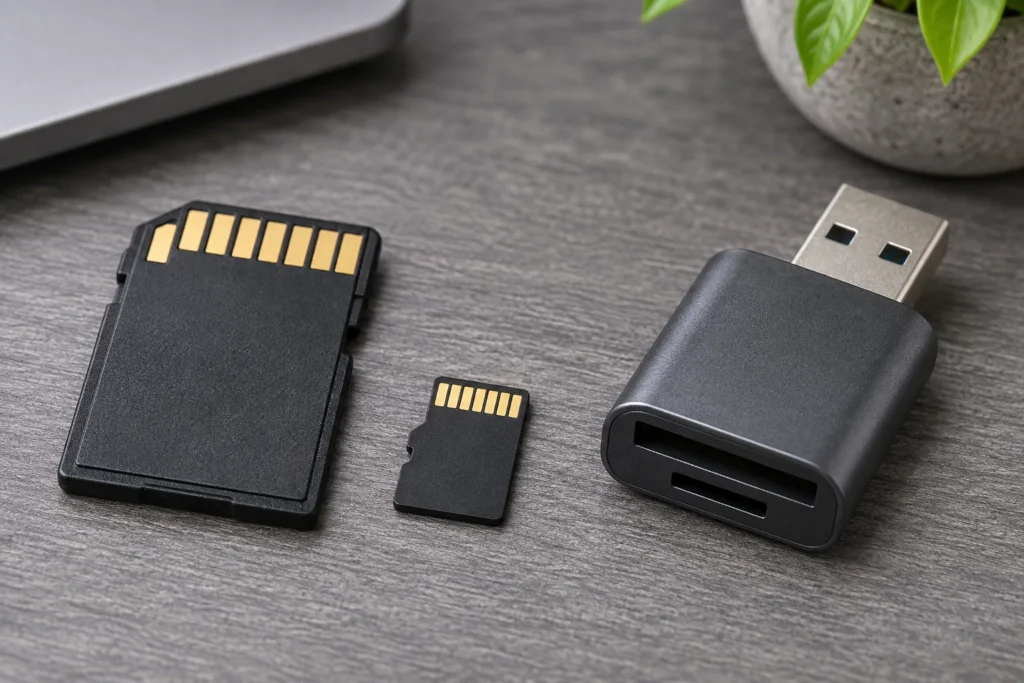
Bring the actual card to your desk. A camera may use a full-size SD card while an action camera may use microSD. If you regularly handle both, a reader with separate SD and microSD slots saves you from keeping track of an adapter. If you need two cards mounted at once, check whether both slots operate simultaneously. Two openings in the product photo do not tell you that.
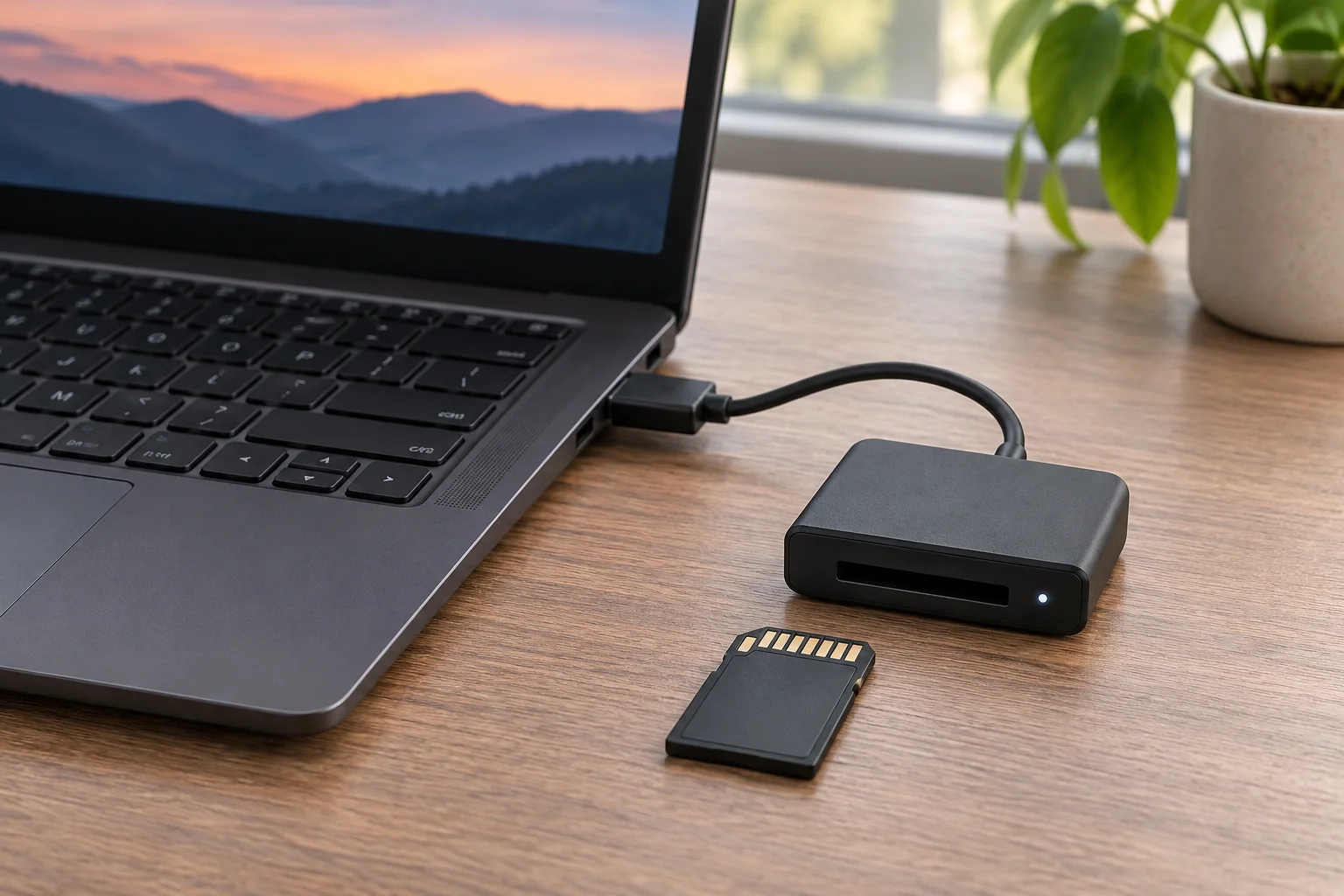
Check the reader’s explicit SDHC or SDXC compatibility against what is printed on the card, especially if you use older equipment. Also check how the reader sits on the laptop. A short cable lets it rest on the desk and can leave more room for adjacent connectors. A plug-in model is convenient in a travel kit if it clears the laptop case and the next port.
Pay for UHS-II if your cards and workflow can use it
Check the card markings or the maker’s specs for UHS-I or UHS-II. UHS-I uses a single row of contacts. UHS-II adds a second row. For UHS-II transfer speeds, look for that interface on the exact slot you plan to use. A dual-slot reader can support different speeds on its SD and microSD sides.
The SD Association lists a standard UHS-I bus mode up to 104 MB/s and a UHS-II half-duplex mode up to 312 MB/s. Those are interface ceilings. The card’s own read speed, the reader, and the rest of the connection determine what you'll see during a copy. Some cards advertise higher rates with a specific compatible reader, so verify that pairing before relying on the number on the package.
If you move a few photos at a time from UHS-I cards, prioritize fit and reliability. If you routinely empty a UHS-II card full of video before heading out for another shoot, a matching reader can make that wait shorter. If the product page only says “high speed,” look up the exact model in the manufacturer’s documentation.
Check the USB connection and where the files will land
Match the connector to a port you can use during an import. USB-C and USB-A describe the shape of the plug. Check the data speed of the reader and the laptop port separately, and include any hub or adapter in that check. If you normally plug into a monitor or dock, compare the reader there and directly on the laptop before blaming the card for a slow copy.
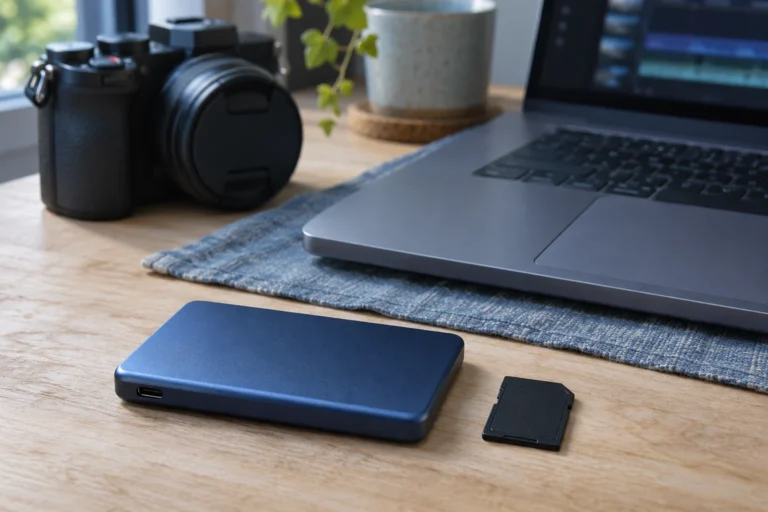
If you copy straight to a portable SSD, the destination matters too. The drive has to sustain the write while the reader is reading the card. A drive that is busy with an editor’s cache or another copy can change the result. If the first import is slow, try the same large clip to the laptop’s internal drive and then to the external drive. Keep the card, reader and source clip the same so you can see what changing the destination does.
Test one real import while you can still return the reader
Copy a representative folder from a shoot and time the complete transfer. Open a few clips from the destination, including one near the end of the copy. See whether the cable reaches, the adjacent port still fits, and the card mounts reliably after you eject it and plug it back in. Keep the source card intact until you have checked the copy and have a second copy of anything you cannot reshoot.
If a particular setup passes that test and the copy finishes within the time you normally have between shoots, you have a reader that fits your workflow. Use that time as your benchmark the next time a product listing promises a faster import.
Source: SD Association, “Bus Speed” (https://www.sdcard.org/developers/sd-standard-overview/bus-speed-default-speed-high-speed-uhs-sd-express/).
Related FAQ
Check the real use case first. adjustable laptop stand should solve a repeated work, focus, recording, or rest problem before specs or discounts decide the purchase.
Check the real use case first. best desk speakers should solve a repeated work, focus, recording, or rest problem before specs or discounts decide the purchase.
Check the real use case first. phone stand should solve a repeated work, focus, recording, or rest problem before specs or discounts decide the purchase.
Check the real use case first. headphone stand should solve a repeated work, focus, recording, or rest problem before specs or discounts decide the purchase.
Check the real use case first. earbuds for work should solve a repeated work, focus, recording, or rest problem before specs or discounts decide the purchase.
Before You Go
Paid links- Advertisement -