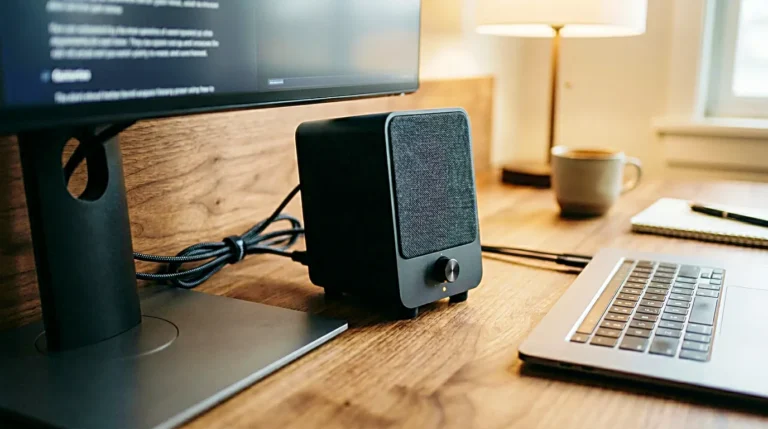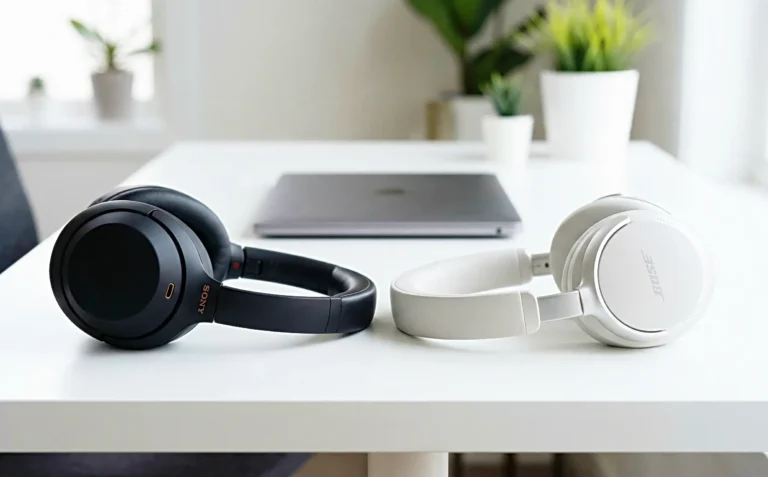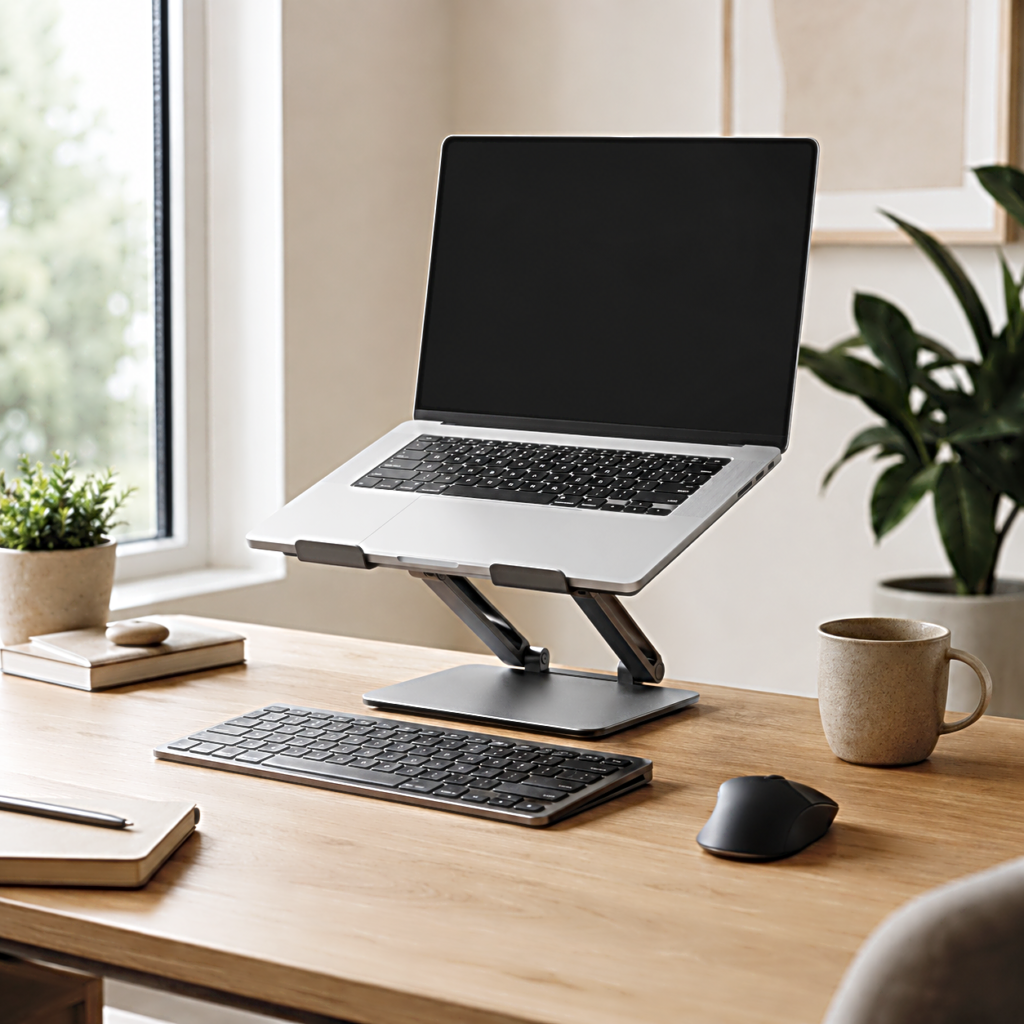
The laptop went up, and the screen immediately looked better.
It had been sitting low on the desk, pulling the eyes toward the keyboard every time the work stretched beyond a few minutes. An adjustable laptop stand seemed like the obvious fix. Raise the screen, open a little space underneath, and the desk starts to look closer to the setups that appear whenever someone searches for a better way to work.
Then the hands reach for the keyboard.
They have gone up too.
That small movement changes how an adjustable laptop stand should be chosen. The useful question is not how high the stand can lift a laptop. It is whether the laptop will still be the place where you type after it has been lifted.
For someone who uses an external keyboard, height can solve one part of the setup. For someone who types directly on the laptop all day, the same height can make the screen more comfortable to look at while making the keyboard less comfortable to reach.
The stand comes later. The way you work comes first.
Raising the screen changes the keyboard at the same time
A laptop joins two things that a desktop setup keeps separate.
The display and keyboard move together.
Place the laptop flat on a desk and the keyboard stays within easy reach, but the screen sits relatively low. Raise it several inches and the display moves closer to the position many people were trying to reach in the first place. The keyboard follows that movement because there is no way to leave it behind.
This is easy to miss when comparing adjustable laptop stands online. Product photos naturally show the stand at an attractive height, usually on a clean desk with the laptop screen floating above the surface. The arrangement looks open and intentional.
Typing rarely appears to be the difficult part of the picture.
Try the same height while answering email for an hour and the purchase starts to mean something different. The wrists, forearms, shoulders, desk height, chair height, and distance from the laptop now have to work around the raised keyboard.
An adjustable stand has not failed. It has simply changed more than the screen.
That is why the first buying decision happens before dimensions, aluminum thickness, foldable hinges, or maximum height enter the comparison.
Decide where your hands are going to spend the day.
Direct laptop typing keeps the stand closer to the desk
If the built-in keyboard and trackpad are still the main controls, a dramatic lift is rarely the most useful place to begin.
A lower angle can create some separation between the desk and the laptop without moving the keyboard too far away. The rear of the machine rises, the display gains some height, and there may be more air and usable space around the computer. The setup still behaves like a laptop rather than pretending to be a desktop monitor.
This is where adjustability matters differently.
The attraction of an adjustable laptop stand is usually its range. A model that can move through several heights appears more flexible than a fixed stand. But a wide range only helps when the positions inside that range are useful to the person sitting in front of it.
For direct typing, the lower settings deserve as much attention as the highest one.
A stand that starts too high can remove the very position you need most. A steep platform can also change how the palms meet the laptop and how far the hands have to reach into the desk. Even a solid, expensive stand can feel wrong if its lowest practical position already assumes an external keyboard.
The search has narrowed now.
It is no longer for the stand that raises a laptop best. It is for one that can raise it without taking the built-in keyboard out of a comfortable working range.
That distinction disappears the moment the keyboard leaves the laptop.
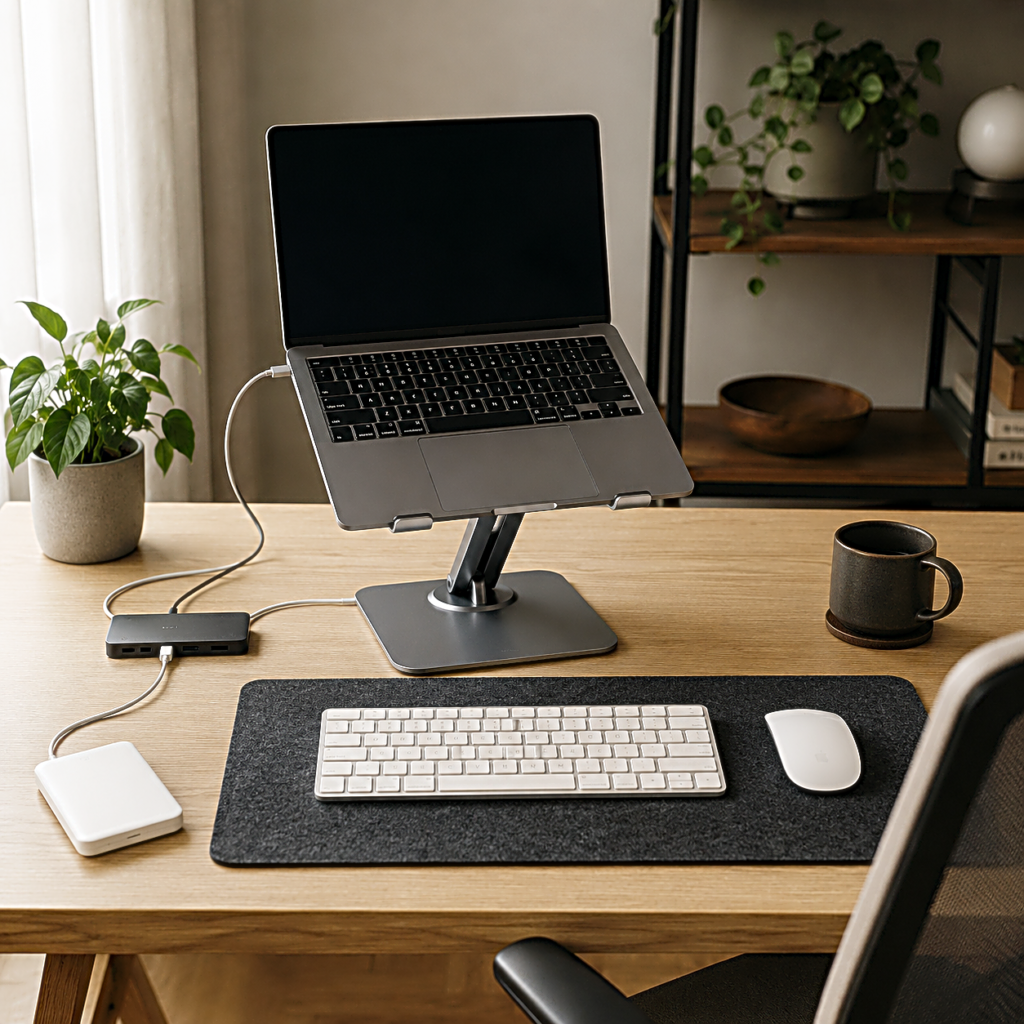
An external keyboard turns the laptop into a display
Put a separate keyboard on the desk and the relationship changes.
The hands stay where the keyboard is. The laptop is suddenly free to move.
Now an adjustable laptop stand can use more of its height range because raising the computer no longer raises the typing surface with it. The screen can move upward and farther back while the keyboard remains close to the body. A mouse or trackpad can sit beside it instead of being attached to the same piece of hardware.
The laptop begins to behave more like a small monitor.
This is the setup where a taller stand makes the most sense, but height still should not become the only specification that matters. The higher the laptop moves, the more noticeable the stand’s other characteristics become.
A loose hinge that seemed acceptable near the desk can feel less reassuring when an expensive laptop is held well above it. A narrow base becomes easier to notice when the screen is touched. A stand that occupies too much depth may push the laptop farther away than the desk allows.
Solving the keyboard problem opens the door to more height.
It also exposes the next question.
Will the stand remain usable once the laptop is actually up there?
Height is useful only when the laptop stays where you put it
Adjustability introduces movement by design.
The stand has to move when you want it to, then stop moving when you do not.
That sounds obvious until two stands with similar height ranges are placed on the same desk. One settles into position and disappears from attention. The other shifts slightly when the screen angle changes, moves when a cable is connected, or needs one hand on the base while the laptop is repositioned.
The specification sheet may not make that difference easy to see.
A heavily articulated stand can provide a wide range of positions, but every joint becomes part of the structure holding the computer. A simpler stand may offer fewer angles while feeling more settled once it is opened. Neither structure is automatically better. They answer different versions of the same problem.
If the laptop normally stays at one desk, constant adjustability has less value after the right position is found. Stability begins to matter more.
If the same stand moves between sitting, standing, video calls, or different users, the ability to change position without fighting stiff hardware becomes more important.
Direct typing raises the standard again. Each keystroke sends force through the laptop and into the stand beneath it. A stand that feels perfectly stable with an external keyboard may show more movement when the laptop itself becomes the typing surface.
The way you type has returned to the decision.
It never really left.
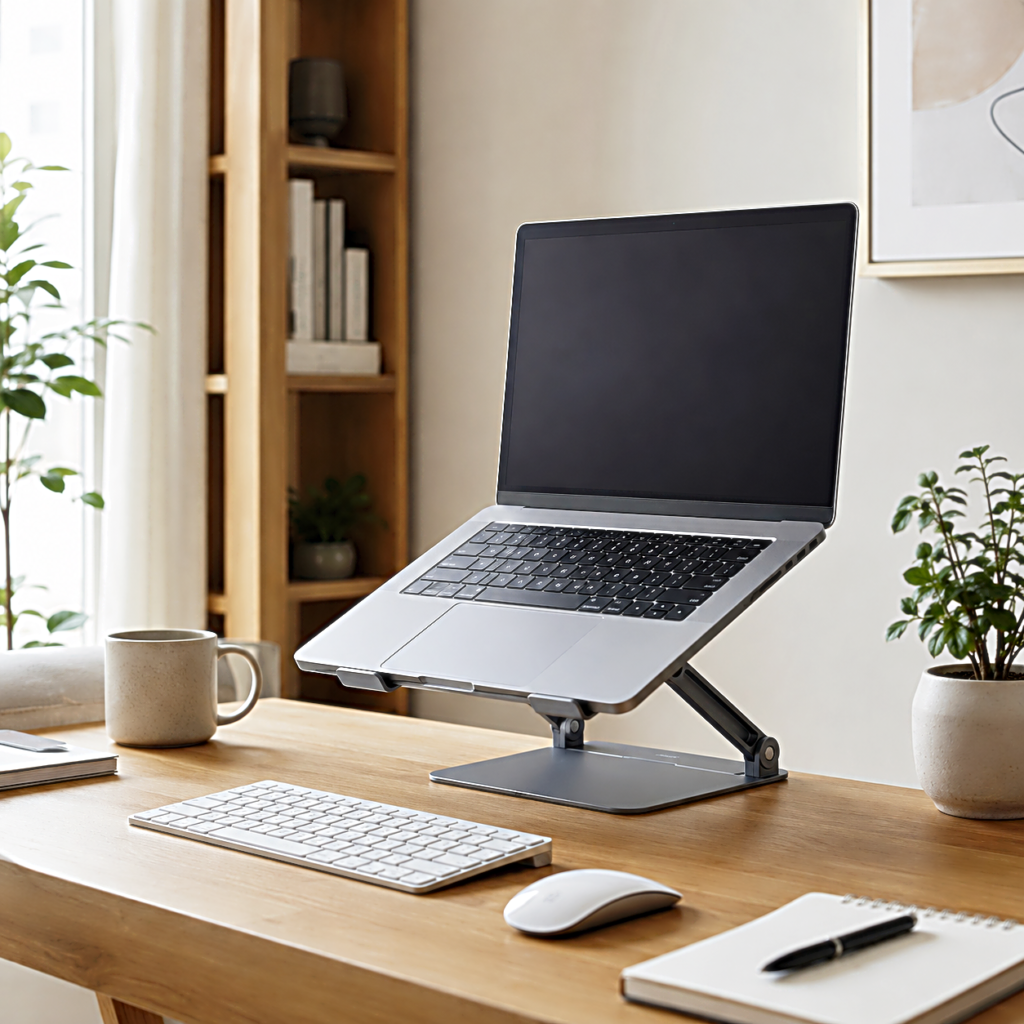
The desk decides how large the stand can become
A product can fit the laptop and still fail to fit the desk.
This usually appears after purchase because laptop stand measurements are easier to understand in isolation than in a working setup. A base that looks compact in a product photo occupies real depth once the keyboard, mouse, charging cable, notebook, speakers, or external display return to the desk.
The space underneath the laptop is not automatically free space either.
Some stands leave a clear opening where a keyboard can slide when work is finished. Others use a large plate or wide base that turns the same area into structure. Both may have nearly identical footprints on a specification page while behaving differently in use.
Desk depth matters even more than width in many setups.
As the laptop rises, it may need to move farther back so the viewing distance still feels natural. On a shallow desk, there may not be enough room for that movement. The external keyboard comes forward, the laptop goes back, and suddenly the front edge of the desk is closer than expected.
A taller stand can therefore require more usable desk depth, not less.
Cable direction belongs in the same picture. A charging connector or hub placed along the side of the laptop needs room to bend without pressing against the stand. If an external monitor, SSD, microphone, or other device is part of the workspace, cable weight can also pull against a lightweight setup.
By this point, maximum height has become only one small part of the purchase.
The stand has to fit the way the entire desk is already being used.
A stand that travels well gives up something at the desk
Then the stand folds.
For anyone who works between home, an office, a library, a shared workspace, or a bag on the floor beside the chair, portability becomes difficult to ignore. A laptop is portable by definition, and a stand that turns it into a permanent installation can work against the reason the computer was chosen in the first place.
Portable laptop stands solve that problem by becoming lighter, thinner, or easier to fold.
Those changes come with their own tradeoffs.
A small folding stand may disappear into the laptop bag and take seconds to open, but it may offer fewer usable heights. A heavier adjustable stand can feel more planted on a permanent desk while becoming the object that never leaves that desk. Designs with large bases and multiple joints gain positional freedom at the expense of weight and packed size.
Neither choice needs to imitate the other.
The useful question is where the stand will spend most of its time.
If it lives on one desk, a little extra weight may barely matter once it is installed. If it travels every morning, the difference between something that slips beside the laptop and something that requires its own space in the bag becomes part of daily use.
This also changes the meaning of adjustability. At a permanent workstation, it may be used to find one precise position. On the road, simple repeatable positions can be more useful than an enormous range that takes time to recreate at every table.
The same person may eventually need two different solutions.
That is less wasteful than forcing one stand to be portable, tall, heavy, compact, extremely stable, and comfortable for direct typing at the same time.
The right adjustable laptop stand starts with your hands
It is easy to begin shopping with the screen.
The screen is the part that looks obviously wrong when a laptop sits low, and lifting it produces an immediate visual change. That makes maximum height, angle range, and the shape of the stand feel like the first things worth comparing.
The keyboard tells a more useful story.
If your hands remain on the laptop, the stand needs to stay close enough to the desk for those hands to work naturally. Lower positions, platform angle, and movement while typing become central. A stand that can rise impressively high may spend its life almost completely lowered.
If the hands move to an external keyboard, the laptop earns more freedom. Height becomes useful, while stability, viewing distance, desk depth, and the base beneath the stand start carrying more of the decision.
Travel changes it once more. A stand that never leaves the desk can afford weight and structure that a portable setup cannot.
These are not three different ways to evaluate the same specification.
They are three different ways of using the laptop.
The stand only needs to fit one of them well enough to disappear into the work.
So before comparing another hinge, height range, or product photo, put your hands where they will actually be when the laptop is raised.
The position of the keyboard will usually tell you how much stand you really need.
Related FAQ
Check the real use case first. adjustable laptop stand should solve a repeated work, focus, recording, or rest problem before specs or discounts decide the purchase.
Avoid buying from a list before defining the problem. portable laptop stand should be chosen after the room, desk, workflow, and budget are clear.
It is worth considering when the current setup creates friction often enough to affect work quality, comfort, or consistency. A new product should remove a real problem, not just add features.
Check the real use case first. phone stand should solve a repeated work, focus, recording, or rest problem before specs or discounts decide the purchase.
Compare it by fit, comfort, maintenance, and the way it will be used on an ordinary day. The best choice is not always the highest-spec option.
Before You Go
Paid links- Advertisement -