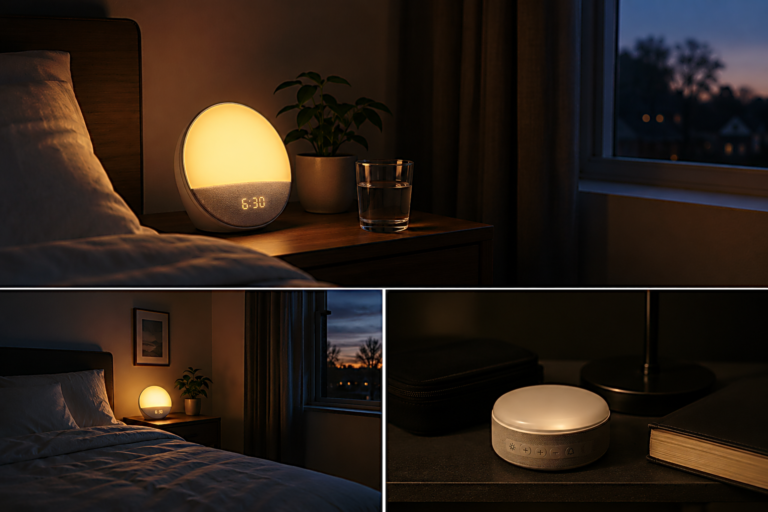
A desk lamp for computer work is usually bought after the desk already feels wrong. The screen looks sharp, the keyboard is in place, the chair has been adjusted, and the room seems quiet enough to work. Then the evening comes. The screen feels stronger than the room. The eyes begin to work harder. The desk looks dim, but turning on a brighter light does not always make the setup feel better.
That is where many people make the first mistake.
They look for a brighter lamp before they understand what kind of light the desk actually needs.
A computer desk is not the same as a reading corner. It has a glowing screen, reflective surfaces, small interface details, paper notes, a keyboard, sometimes a second monitor, and often a wall or window nearby. A lamp that feels good for reading a book may create glare on a screen. A lamp that looks beautiful on a desk may shine into the eyes. A very bright lamp may make the room feel active when the work session needs calm.
A good desk lamp does not simply make the desk brighter. It places light where the work happens without making the screen harder to use.
That difference matters for creators, remote workers, students, and anyone who spends long hours at a computer. The lamp is not only decoration. It becomes part of the visual environment your eyes have to negotiate every day.
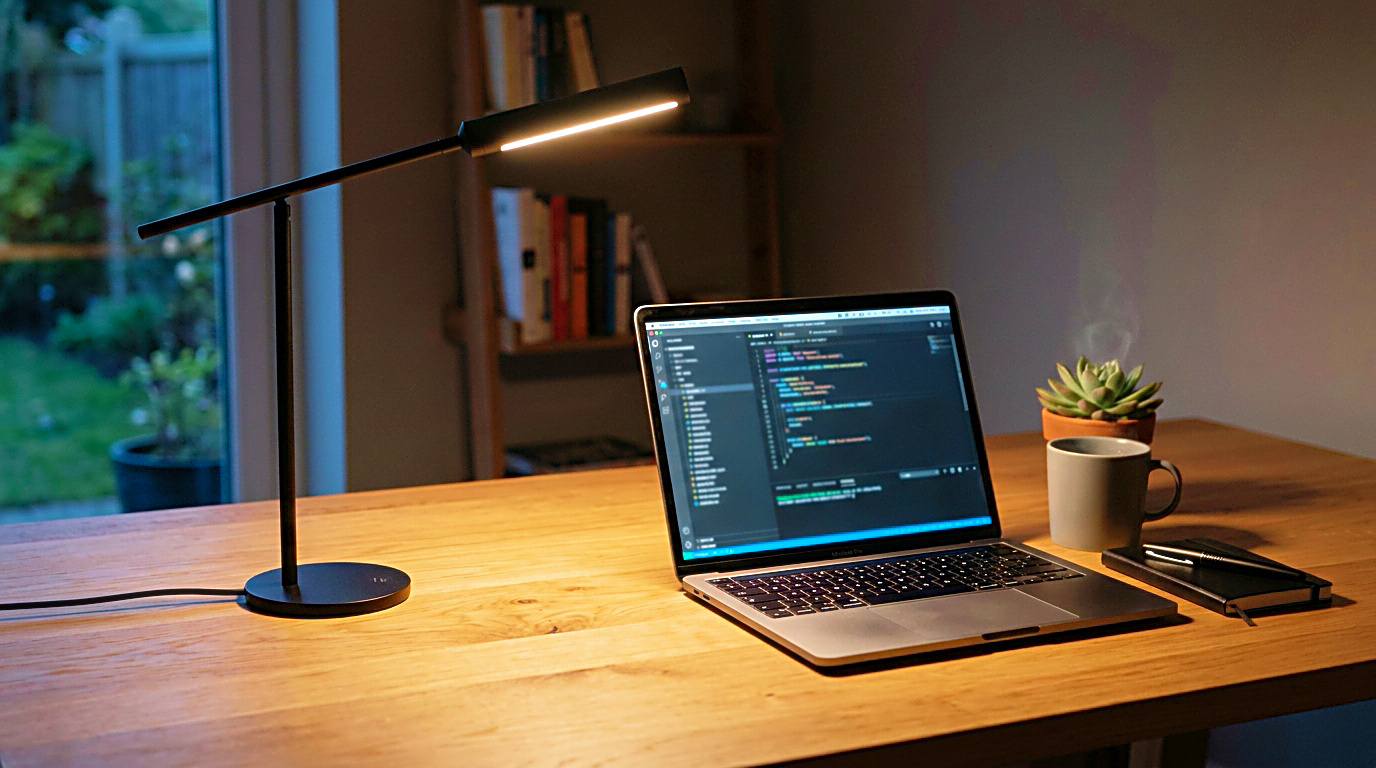
A brighter desk can still feel uncomfortable
Brightness feels like the obvious problem because it is easy to notice. The desk looks dark, so the solution seems simple. Add more light.
But eye comfort is not only about brightness. It is about contrast.
If the room is very dark and the screen is bright, the screen becomes the strongest light source. The eyes move between a glowing rectangle and a darker surrounding space again and again. That repeated adjustment can make the desk feel tiring even when the screen itself is good.
Adding a desk lamp can help, but only if it softens the contrast around the screen. If the lamp is too bright, too direct, or aimed at the wrong surface, it may create a new problem. The room becomes brighter, but the eyes still do not feel settled.
This is why a desk lamp for computer work should be judged differently from a general lamp. The question is not only how much light it produces. The better question is whether it makes the screen, keyboard, and surrounding desk easier to use together.
A lamp that adds calm side light can be more useful than a lamp that floods the whole desk. A smaller pool of controlled light can feel better than a strong beam that reflects off the monitor, desk surface, or wall.
Glare matters more than people expect
Glare is one of the most common reasons a desk lamp feels wrong.
Sometimes the glare is obvious. The lamp reflects directly on the screen. A bright spot appears on the monitor. The user moves the screen, moves the lamp, and still cannot find a comfortable angle.
Other times, glare is softer. The screen does not show a strong reflection, but the lamp is still shining toward the eyes. The desk looks fine, yet the face and eyes feel tense after a while. This kind of discomfort is easy to blame on the monitor, the font size, or the length of the work session, but the lamp position may be part of it.
A good adjustable desk lamp should let the light point down toward the work surface, not outward toward the eyes. It should also be easy to move away from the screen angle. The lamp head, arm, and base matter because computer work rarely stays in one position. Sometimes the light needs to reach paper. Sometimes it needs to stay away from the monitor. Sometimes it should sit beside the laptop without taking over the desk.
If the lamp cannot be aimed properly, brightness control will not fully solve the problem.
This is why adjustability is not a luxury feature. For computer work, it is one of the main buying criteria.
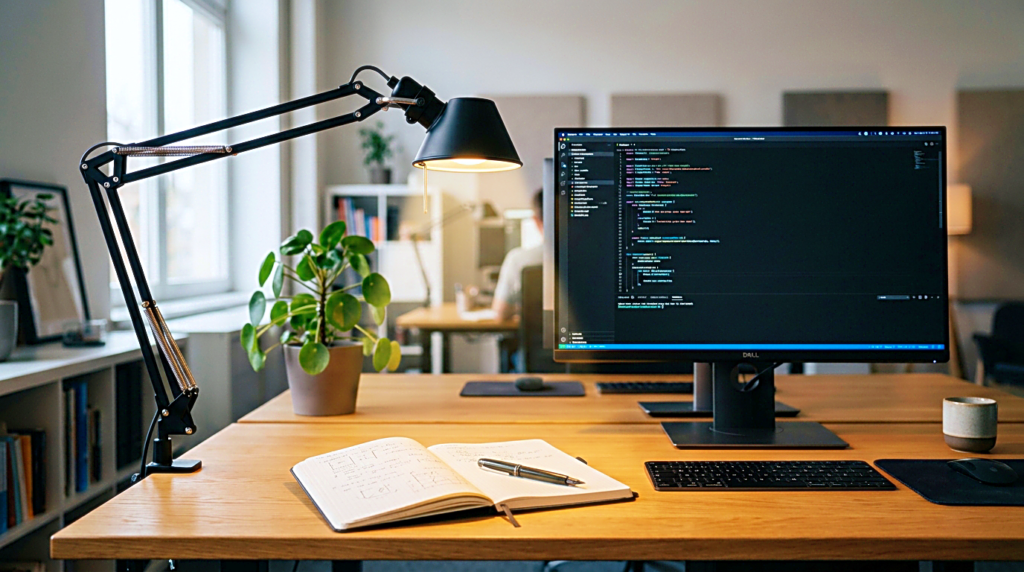
The lamp and the screen should not compete
A desk lamp should support the screen environment, not compete with it.
When the lamp is much warmer than the screen, the desk can feel visually divided. The screen feels cool and sharp, while the surrounding area feels yellow and soft. That contrast may be pleasant in a cozy room, but it can feel strange during detailed work.
When the lamp is much cooler than the room, the desk can feel too clinical. It may help for short focus sessions, but it can make evening work feel harsh, especially if the screen is also bright.
There is no single perfect color temperature for everyone. The better approach is to match the lamp to the kind of work and the time of day.
For daytime work, a cleaner neutral light can help the desk feel awake without becoming too cold. For evening writing, editing, or planning, a warmer light may feel calmer. The mistake is buying a lamp with only one fixed light tone and expecting it to work for every session.
A desk lamp with adjustable color temperature can be useful, but only if the controls are simple enough to use. If changing the light is annoying, most people stop adjusting it. The lamp should make the desk easier, not add another small task before work begins.
The best lamp position is usually not in front of you
Many people place a desk lamp directly behind the keyboard or beside the monitor because it looks balanced. That position may look clean in a photo, but it is not always the most comfortable.
For computer work, the lamp often works better from the side.
Side lighting can brighten the desk surface without shining directly into the eyes. It can help paper notes, notebooks, and small desk items stay visible while keeping the screen as the main visual focus. If the lamp is placed too close to the monitor, it may create reflections. If it is placed too far behind the user, it may not help the desk at all.
The correct side depends on the desk layout. A right-handed person who writes on paper may prefer light from the left so the hand does not cast a strong shadow. A left-handed person may prefer the opposite. A person who only uses a keyboard and mouse may care more about screen glare than paper shadows.
The point is not to copy one setup. The point is to test whether the lamp position reduces effort.
Sit at the desk, open the screen you normally use, turn on the lamp, and look for three things. Is the screen reflecting the light? Are your eyes facing the light directly? Does the desk surface feel easier to see without making the screen feel worse?
If the answer is no, the lamp position needs to change before the lamp itself is judged.
A beautiful lamp can still be the wrong lamp
A desk lamp is easy to buy for appearance. It sits in the visible part of the workspace, so design matters. A lamp that looks clean can make the desk feel more finished.
But a beautiful lamp can still be wrong for computer work.
A lamp with a fixed head may not aim well. A lamp with a large shade may block the monitor or take too much space. A lamp with a shiny metal finish may reflect light in distracting ways. A lamp with a weak base may move every time the desk is touched. A lamp with controls hidden in an awkward place may become annoying during daily use.
The best desk lamp for computer work is not always the most decorative one. It is the one that stays useful after the first week.
The practical details matter. Can the lamp head tilt? Can the arm reach the right place? Does the base fit the desk without crowding the keyboard or mouse? Is the light soft enough for long sessions? Can the brightness be lowered at night? Does it create glare on the screen? Does it still feel stable when adjusted?
Those questions are less exciting than design photos, but they are what decide whether the lamp becomes part of the workflow or another object on the desk.
Monitor light bars are not always a better answer
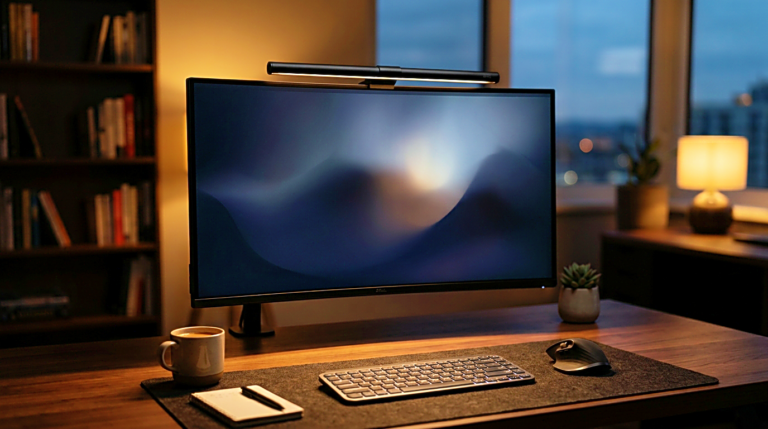
A monitor light bar can be useful because it saves desk space and directs light downward from the top of the monitor. For some setups, it is cleaner than a traditional desk lamp. It can reduce clutter and light the keyboard area without needing a lamp base.
But it is not automatically better.
A monitor light bar works best when the monitor shape, desk depth, and screen angle support it. If the monitor is very thick, curved, glossy, or placed at an unusual angle, the light bar may not sit correctly or may create uneven light. If the desk also needs paper writing space, a side lamp may still be more flexible.
A traditional desk lamp gives more freedom in placement. A monitor light bar gives a cleaner fixed position. The better choice depends on how the desk is actually used.
For a creator who writes, edits, reads notes, checks products, and moves between paper and screen, flexibility may matter more than a clean look. For someone who mostly types at a monitor and wants less clutter, a light bar may make more sense.
The buying decision should come from the work pattern, not from the trend.
What to check before buying
Before choosing a desk lamp for computer work, start with the current desk.
Check where the screen sits. Check whether the screen reflects nearby light. Check whether the room is too dark compared with the monitor. Check whether the desk surface needs light for paper, keyboard use, or small objects. Check whether the lamp can sit on the left or right without crowding the workspace.
Then look at the lamp.
The most important features are not complicated. Adjustable brightness matters. Adjustable angle matters. A stable base matters. A light head that does not shine into the eyes matters. A size that fits the desk matters. Color temperature control can help, but it should not be the only reason to buy.
If the desk is small, a clamp lamp or monitor light bar may save space. If the desk is wide, an adjustable arm lamp may be more comfortable. If the room is used mostly at night, soft brightness control becomes more important. If the work includes drawing, writing, or paper notes, the lamp should cover the desk surface without casting strong shadows.
The right lamp is the one that solves the visual problem you actually have.
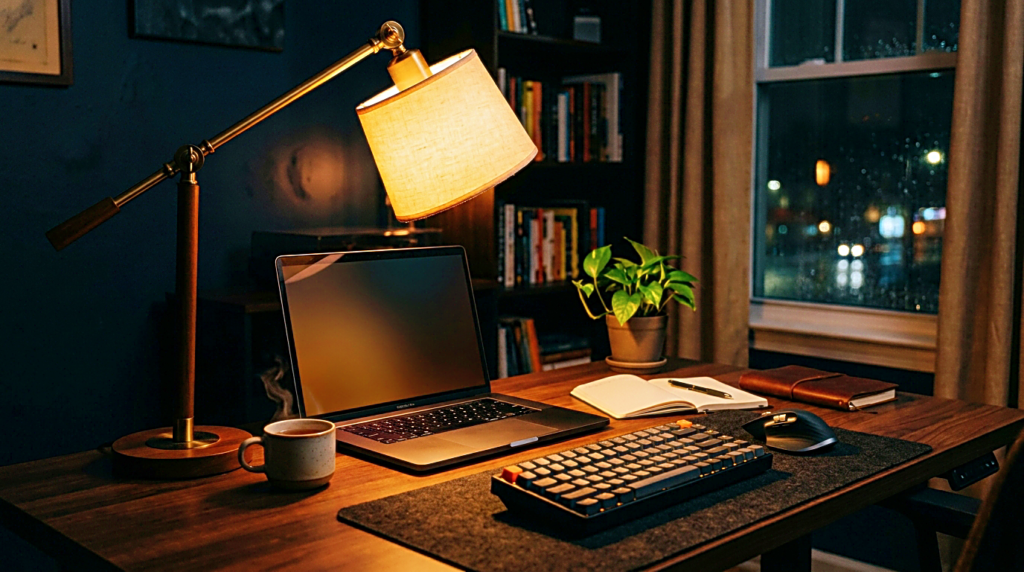
A calmer desk starts with controlled light
A desk lamp for computer work should not make the desk feel busier. It should make the work easier to stay with.
That usually means controlled light, not maximum brightness. It means fewer reflections, not a stronger beam. It means a lamp that can be moved, dimmed, and aimed without turning the desk into another thing to manage.
A good lamp quietly supports the screen, the keyboard, the notes, and the person sitting there. It does not need to dominate the setup. It does not need to look dramatic. It only needs to reduce the small visual strain that builds during long sessions.
Before buying, look at the desk in the moment when it feels most uncomfortable. Evening work, late editing, early study, long writing sessions, or a dim room will usually reveal the real problem. Then choose the lamp that answers that condition.
Brightness is part of the answer.
It is just not the first thing to fix.
Related FAQ
It can help when it supports the work session without adding clutter or complexity. The product should make the desk easier to use, not harder to maintain.
It can help when it supports the work session without adding clutter or complexity. The product should make the desk easier to use, not harder to maintain.
It can help when it supports the work session without adding clutter or complexity. The product should make the desk easier to use, not harder to maintain.
It can help when it supports the work session without adding clutter or complexity. The product should make the desk easier to use, not harder to maintain.
Avoid buying from a list before defining the problem. reading lamp should be chosen after the room, desk, workflow, and budget are clear.
Before You Go
Paid links- Advertisement -