A monitor light bar looks like an easy upgrade. It sits on top of the screen, saves desk space, lights the keyboard area, and makes the desk feel cleaner without adding another lamp base. For a small workspace, that promise is attractive. The surface stays open. The cable looks simple. The light appears to belong to the monitor instead of becoming another object on the desk.
That is why many people choose a monitor light bar before asking whether their screen can actually work well with one.
The idea is good. The fit is not always automatic.
A monitor light bar can make computer work more comfortable when it sends light down to the desk without reflecting back into the eyes or screen. But when the angle is wrong, the monitor is glossy, the screen is curved, or the desk is too shallow, the same product can create glare, uneven brightness, or another small distraction that follows every work session.
A monitor light bar is useful when it controls light around the screen. It is not useful just because it sits neatly on top of the monitor.
That distinction matters for creators, remote workers, students, and anyone who spends long hours in front of a display. The light bar should not make the setup look more complete while making the eyes work harder. It should quietly reduce visual strain.
A cleaner desk is not the same as better lighting
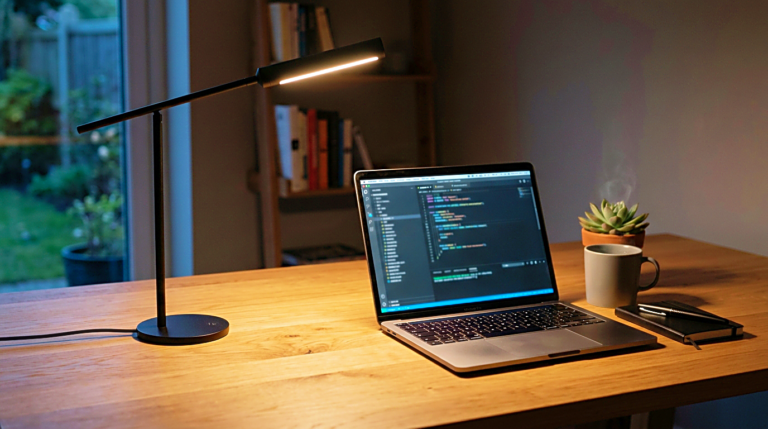
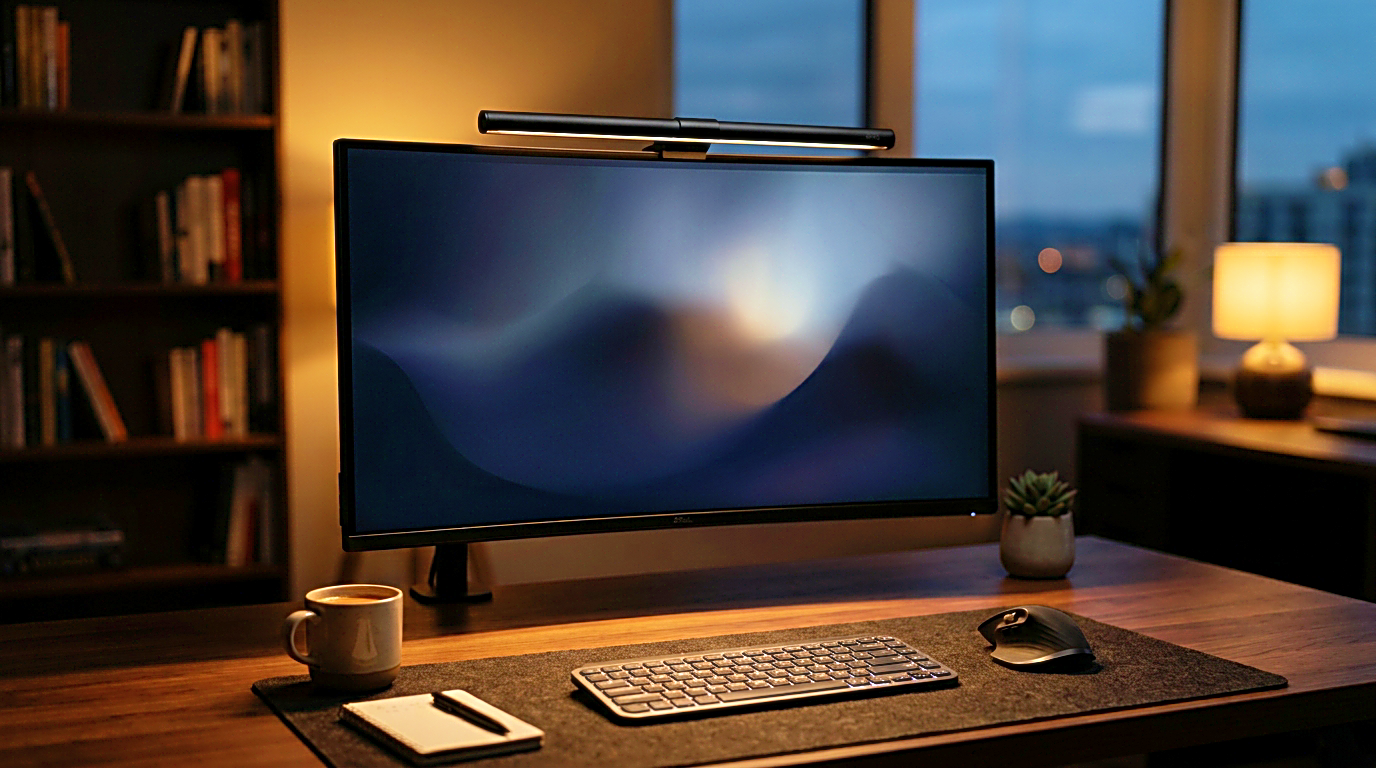
The main appeal of a monitor light bar is space. A traditional desk lamp needs a base, an arm, and a place to stand. On a small desk, that can crowd the keyboard, mouse, notebook, speakers, or laptop. A monitor light bar avoids that problem by using the top edge of the monitor.
That part is genuinely useful.
But space saving is not the same as visual comfort. A desk can look cleaner and still feel wrong at night. If the light bar creates a reflection on the screen, points too far forward, or shines unevenly across the keyboard, the desk becomes visually cleaner but not easier to use.
This is where the buying decision needs to slow down.
A monitor light bar should be judged by what happens when the screen is on. Turn on the monitor, lower the room lights, and imagine where the light will fall. The product photo may show a perfect pool of light on the desk, but your monitor angle, desk depth, and sitting position decide whether that result is realistic.
A clean setup is valuable only when it supports the work. If the light bar makes the desk look minimal but causes glare every evening, the cleaner surface is not a real improvement.
Screen glare should be checked first
Glare is the first thing to check before buying a monitor light bar.
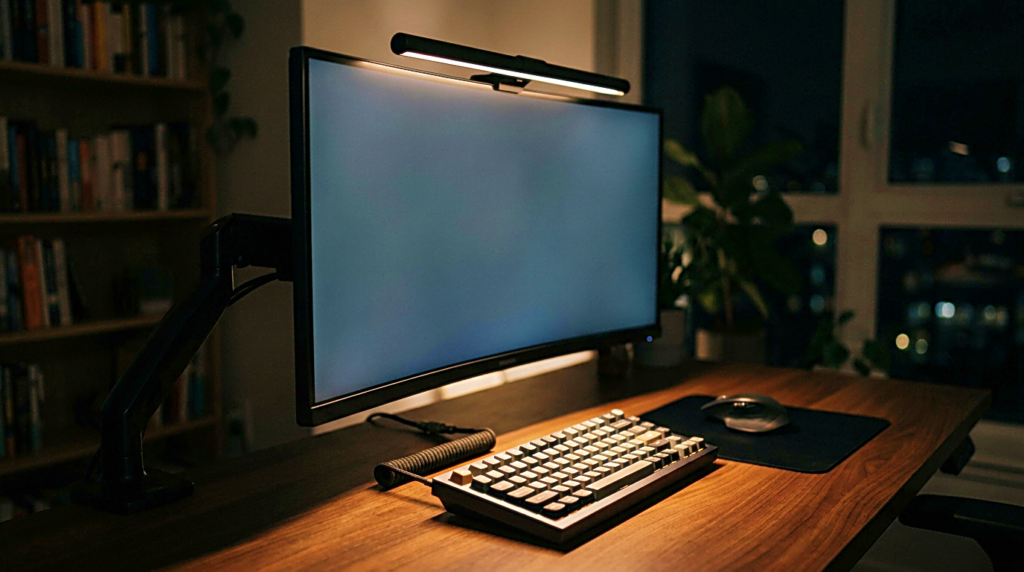
Some monitors handle overhead light well. Others reflect anything bright above or in front of them. A matte screen may hide reflections better than a glossy screen, but it can still show haze or bright patches if the light angle is wrong. A curved monitor can be even more sensitive because the screen shape changes how light reflects toward the user.
The problem is not always obvious in a product listing. Most monitor light bars are shown on clean desks, in controlled rooms, with screen reflections carefully avoided. Real desks are messier. There may be a window behind the user, a wall close to the monitor, a second screen, a laptop, or a glossy desk surface.
A good light bar should direct light down toward the desk, not forward onto the screen. The best designs use an asymmetric beam, which means the light is shaped to fall onto the desk surface while avoiding the monitor panel. That feature matters more than a dramatic brightness number.
Brightness is easy to advertise. Glare control is what decides whether the light bar actually helps.
The monitor shape can change everything
Not every monitor is a good match for every light bar.
A flat monitor with a normal top edge is usually the easiest fit. The light bar can rest securely, aim downward, and stay stable. A very thin monitor, a curved monitor, a thick gaming monitor, or a display with an unusual back shape may be more complicated.
The clip or counterweight matters. If the light bar does not sit firmly, it may tilt, wobble, or slowly change angle. That small movement can change where the light lands. A light bar that looks fine when installed may feel annoying if it has to be adjusted again and again.
Monitor thickness is another detail people miss. Some light bars are designed for a certain range of screen thickness. If the monitor is too thin, the bar may not grip well. If it is too thick, the light bar may not sit correctly. If the monitor has a webcam, sensor, or curved top design, the fit may become awkward.
Before choosing one, check the monitor itself. Look at the top edge, the back shape, the thickness, and whether anything already sits above the screen. A good monitor light bar should feel stable before it ever gets judged by brightness.
Desk depth affects the light more than expected
A monitor light bar shines from the top of the screen, but the desk depth decides where that light becomes useful.
On a deep desk, the monitor often sits farther from the keyboard. The light bar may illuminate the area below the screen, but the keyboard and notebook may sit partly outside the strongest light. On a shallow desk, the keyboard may sit closer to the monitor, but the light may feel too concentrated or too close to the eyes if the angle is not right.
This is why two people can buy the same light bar and have different opinions. One says it is perfect. Another says it creates glare or does not light the desk enough. The product may not be the only difference. The desk depth, monitor position, and sitting distance may be different.
For computer work, the light should support the area where the hands and eyes actually move. That usually means the keyboard, mouse, notebook, and lower desk surface. If the light only brightens the wall behind the monitor or the edge of the desk, it may look pleasant but fail during real work.
The setup should be tested as a whole. Monitor distance, keyboard position, and desk depth all affect whether the light bar feels useful.
Brightness control is useful, but beam direction matters more
A monitor light bar with adjustable brightness is helpful. Work does not always happen under the same conditions. Morning light, afternoon glare, evening dimness, and late-night writing all ask for different levels of light.
But brightness control alone is not enough.
If the beam direction is poor, dimming the light only makes the problem smaller. It does not solve it. A weak glare is still glare. A dim reflection is still a reflection. A lamp that shines toward the eyes is still uncomfortable even at a lower level.
The better buying question is not only whether the light bar gets bright enough. It is whether the light can be controlled precisely. Can the bar angle change? Does the beam avoid the screen? Does it light the desk surface evenly? Does it stay comfortable when the room is dark?
A light bar should not make the user choose between a bright desk and a comfortable screen. The point is to get both close enough that the eyes do not keep adjusting between extremes.
Color temperature should match the work session
Many monitor light bars include adjustable color temperature. This can be useful because daytime work and evening work do not always need the same light.
A cooler or more neutral tone may feel clearer during active work, editing, studying, or detail-heavy screen tasks. A warmer tone may feel calmer during evening writing, planning, or slower sessions. The exact preference depends on the person, the screen, and the room.
The mistake is treating color temperature as a decorative feature only. It changes how the screen and desk feel together.
If the monitor is bright and cool while the light bar is very warm, the workspace can feel visually split. If the light bar is very cool in a dark room, the desk can feel harsh. The best result is usually not extreme. It is a light tone that supports the screen without making the rest of the desk feel disconnected.
Simple controls matter here. If changing the brightness or color tone takes too much effort, most people stop adjusting it. A monitor light bar should make the work session easier to enter, not create another setting to manage.
A light bar is not always better than a desk lamp
A monitor light bar and a desk lamp solve different problems.
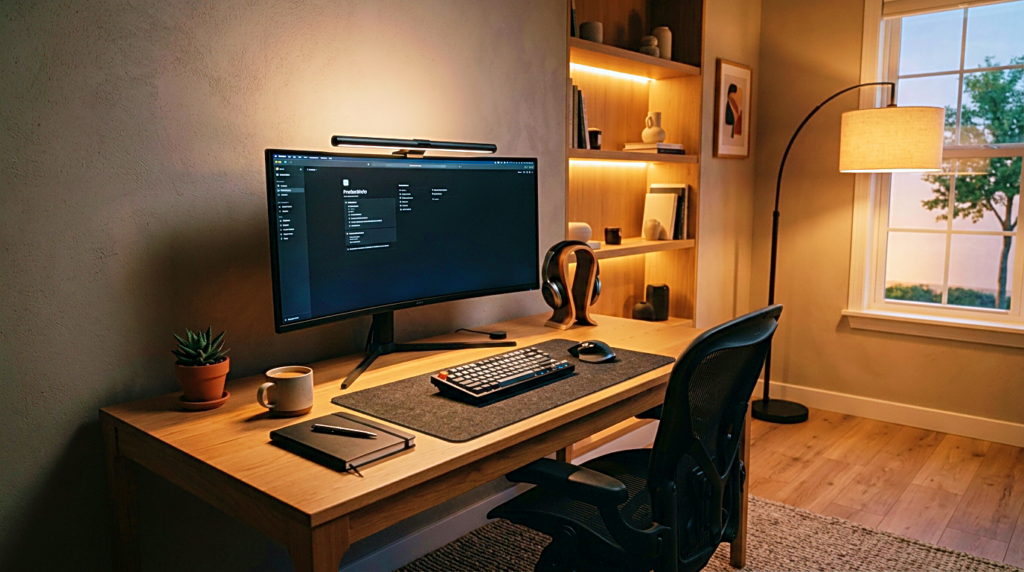
A light bar is good when the desk is small, the monitor fit is stable, and the main need is lighting the keyboard area without taking desk space. It can make the setup cleaner and reduce the need for a lamp base.
A desk lamp is better when the user needs flexible lighting for paper, notebooks, drawing, product photos, reading, or a larger work surface. A lamp can move to the side, reach different areas, and avoid the monitor entirely when needed.
Neither option is automatically superior.
A monitor light bar is less flexible but cleaner. A desk lamp is more flexible but takes more space. The right choice depends on what the desk actually needs.
For a creator who mostly types and works on one monitor, a monitor light bar can be a good fit. For someone who switches between screen work, handwritten notes, product planning, and reading, a desk lamp may still be more practical. For a wide desk, both can even work together, but only if the light does not become too busy.
The goal is not to own the trend. The goal is to make the desk easier to use.
What to check before buying
Before choosing a monitor light bar, start with the monitor.
Check whether the screen is flat or curved. Check the top edge thickness. Check whether a webcam or sensor already uses that space. Check whether the screen is glossy or matte. Check whether the monitor tilts in a way that could reflect light back toward you.
Then check the desk.
Is the keyboard close to the monitor or far away? Is the desk shallow or deep? Do you use paper notes? Do you need light on the whole desk or mainly around the keyboard? Is there a window, wall, or bright surface that could change how the light reflects?
After that, look at the product details.
A useful monitor light bar should have stable mounting, controlled beam direction, adjustable brightness, simple controls, and a size that fits the monitor. Adjustable color temperature is helpful, especially for people who work at different times of day. A remote or dial can be convenient, but it should not matter more than glare control.
If the product description only talks about brightness and design, keep looking for information about beam angle, monitor compatibility, and glare reduction. Those details matter more in daily use.
A quieter way to light the desk
A monitor light bar can be a good desk upgrade, but it should not be bought only because the setup looks cleaner with one. The real test happens when the screen is on, the room is dim, and the work session has already started.
Does the light reach the keyboard without touching the screen?
Does the desk feel easier to read?
Do the eyes feel calmer, or are they still negotiating with reflections?
Does the bar sit securely, or does it need small adjustments every day?
Those answers matter more than the product photo.
The best monitor light bar is not the brightest one or the most minimal one. It is the one that fits the monitor, avoids glare, and gives the desk enough controlled light to keep the work comfortable.
A cleaner desk is a good thing.
A calmer screen is better.
Related FAQ
Price matters, but comfort and fit decide whether best monitor light bar will be used every day. A cheaper item that solves the real problem can be better than a premium product that does not fit the setup.
It can help when it supports the work session without adding clutter or complexity. The product should make the desk easier to use, not harder to maintain.
Avoid buying from a list before defining the problem. softbox light should be chosen after the room, desk, workflow, and budget are clear.
It can help when it supports the work session without adding clutter or complexity. The product should make the desk easier to use, not harder to maintain.
It can help when it supports the work session without adding clutter or complexity. The product should make the desk easier to use, not harder to maintain.
Before You Go
Paid links- Advertisement -