Computer speakers can look like a small purchase.
They are not always small in daily use.
A pair of speakers can change how a desk feels. They can make rain sounds softer, video calls easier, music less tiring, and deep work less isolated. But they can also crowd the desk, sound harsh at low volume, add cable clutter, or make a quiet room feel more distracting than before.
That is why computer speakers for a desk setup need more than good sound.
Good sound matters. But at a desk, the real question is different.
Can the speakers support the room without taking over the work?
Why Computer Speakers Need More Than Good Sound
Computer speakers are not used like living room speakers.
A living room speaker can be judged by impact, bass, volume, and how impressive it feels from across the room. Desk speakers sit much closer. They are used while reading, writing, studying, editing, planning, or working through a quiet afternoon. The sound does not need to fill a large space. It needs to stay comfortable at a short distance.
This changes the buying decision.
A speaker that sounds exciting for five minutes can feel tiring after two hours. A speaker with strong bass can feel impressive in a store but heavy at a desk. A speaker with bright treble can make rain sounds, white noise, or video speech feel sharp.
For a desk setup, the best computer speakers are often the ones that disappear into the routine.
They should sound clear, but not demanding. They should be easy to control, but not visually loud. They should improve the desk without making the desk feel busier.
Desk Speakers Should Fit the Room Not Just the Desk
Desk speakers need to fit more than the physical surface.
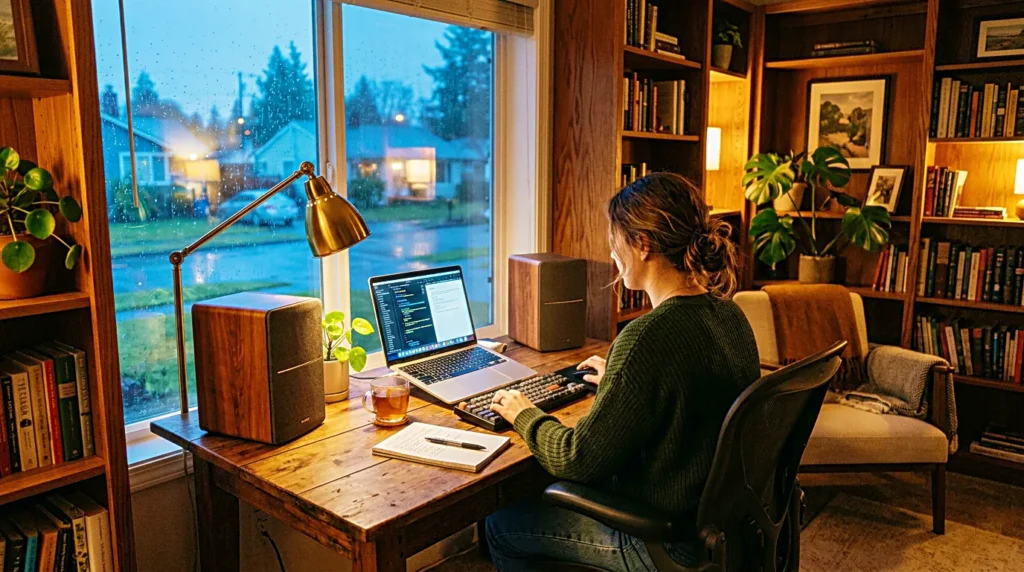
Yes, size matters. A small desk cannot hold large speakers without pushing away the keyboard, mouse, notebook, or monitor. But room fit is just as important. A quiet bedroom, a shared apartment, a small office, and a wide desk all need different speaker behavior.
A small room may not need much power. Too much volume can make the sound bounce around and feel larger than the work requires. A shared room may need speakers that sound good at low volume because loud playback is not practical. A deep work desk may need speakers that stay balanced without asking for attention.
This is where many buying decisions go wrong.
People compare speaker specs, but they forget the listening situation.
Before comparing product pages, define where the speakers will live. Are they for a desk near a window, a bedroom work corner, a home office, or a content creation setup? The answer changes what “good” means.
A good desk speaker should fit the room’s habits, not just the desk’s measurements.
Low Volume Clarity Matters More Than Loudness
For computer speakers, low volume clarity matters more than maximum loudness.
Most desk listening happens quietly. Rain sounds while working. A video at moderate volume. A podcast while cleaning up files. A soft background during writing. In those moments, the speaker does not need to get loud. It needs to stay clear when it is not loud.
This is especially important for rain sounds and sleep-friendly background audio. A poor speaker can make rain feel thin, buzzy, or sharp. A better speaker can keep the texture soft enough that it becomes part of the room.
The same applies to voices. If speech becomes muddy at low volume, you will keep adjusting the sound. If music becomes too bright, you may turn it down until it loses shape. If bass disappears completely, the speaker may feel weak even when it is technically working.
A speaker that performs well quietly is more useful than one that only sounds good when turned up.
At a desk, comfort over time matters more than first impact.
Computer Speakers and Headphones Solve Different Problems
Computer speakers and headphones are not direct replacements for each other.
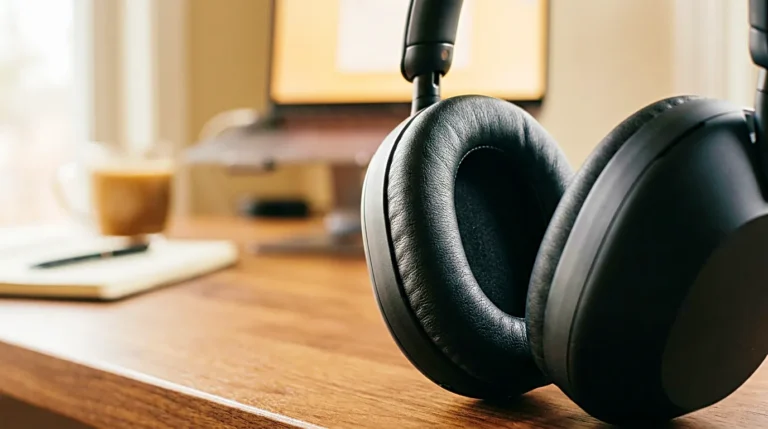
Headphones are better when you need privacy, isolation, or noise control. They help in shared spaces, open offices, or noisy rooms. But headphones can also create pressure, heat, and fatigue during long sessions.
Computer speakers are better when the room is already quiet enough. They let the ears rest. They make the sound feel like part of the space instead of something pressed against the head. For long desk work, this can feel easier.
The difference is not only sound quality. It is body comfort.
A person can work for hours with speakers playing softly in the room. The same person may feel tired after wearing headphones for too long. On the other hand, speakers may not help when the room has voices, traffic, or household noise that keeps breaking concentration.
The right choice depends on what problem you are solving.
Speakers support a room.
Headphones protect attention from the room.
A quiet desk setup may need both, but it does not always need both at the same time.
Placement Can Change the Sound More Than Expected
Speaker placement can matter as much as the speaker itself.
A small speaker pushed into a corner can sound too heavy. A speaker placed too close can feel sharp. Speakers hidden behind a monitor may lose clarity. A speaker sitting on a hollow desk may create vibration that makes low sounds feel messy.
For a simple desk setup, start with clear placement.
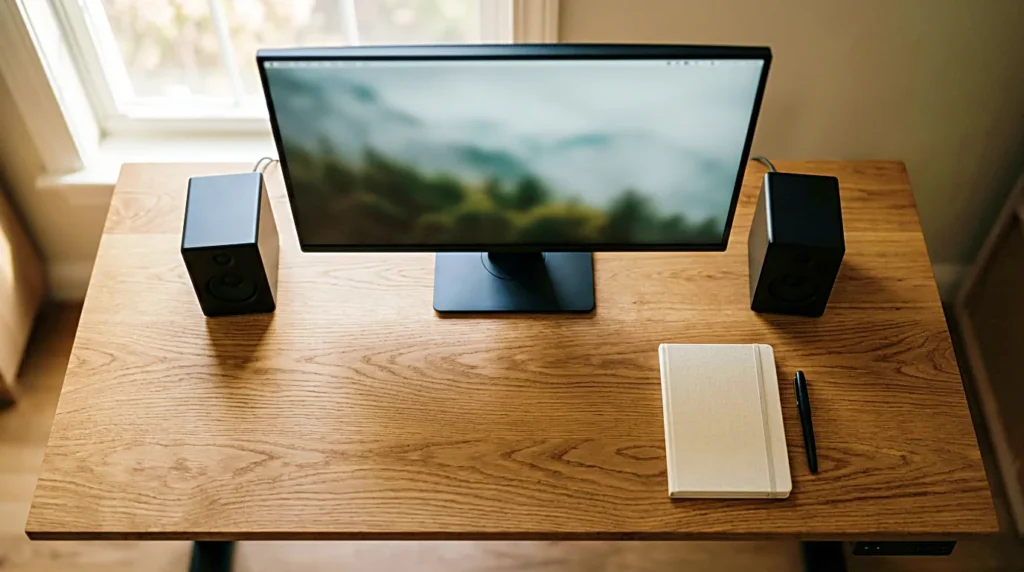
Keep the speakers stable. Give them some space from the wall if possible. Avoid placing objects directly in front of them. Try to keep the left and right speakers balanced around the monitor if you use a pair.
The goal is not perfect studio alignment.
The goal is a sound field that feels natural while you work.
This matters for rain sounds, ambient sound, and deep work. When the speaker placement is wrong, the sound becomes something you notice. When the placement is right, the sound becomes part of the room.
That is the real test.
Desk Space Is Part of the Buying Decision
A speaker can sound good and still be wrong for the desk.
A crowded desk adds visual noise. It makes the workspace harder to reset. It can push tools into awkward positions. It can make a clean setup feel heavier than before.
This is why desk space belongs in the speaker decision.
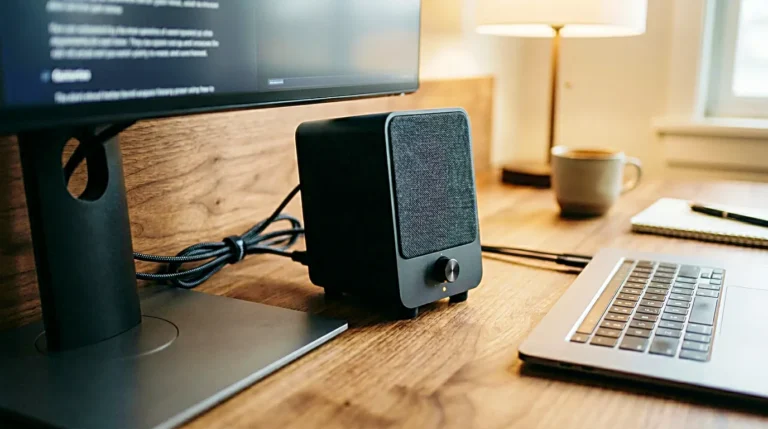
Before buying computer speakers, look at the actual desk. Where will the speakers sit? Will they block the monitor? Will they leave room for a notebook? Will the cables cross the writing area? Will the volume control be easy to reach?
These questions sound basic, but they affect daily use.
A speaker you have to keep moving is not a good desk speaker. A speaker that makes the desk feel cluttered may not support focus, even if the audio quality is strong.
The best desk speakers should feel like they belong there.
They should not make the workspace feel like it has one more problem to manage.
Controls Should Be Simple Enough to Use Without Thinking
Computer speakers should be easy to control.
This becomes important in daily use. If the volume knob is hard to reach, you may leave the sound too loud or too quiet. If the speaker always reconnects slowly, you may stop using it. If the power light is too bright, it may bother you in a bedroom setup.
Small friction matters.
A desk speaker should not require attention every time you sit down. It should turn on easily, connect reliably, and let you adjust volume without opening another app or hunting for a setting.
For focus and study, this is not a minor detail. The moment before work begins is fragile. If the sound setup creates delay, the delay can become another excuse not to start.
Simple controls support a quieter workflow.
That can be more valuable than an extra feature you rarely use.
Warm Sound Can Be Better for Long Desk Sessions
Some computer speakers sound bright.
That can make them feel clear at first. But bright sound is not always comfortable for long work sessions. It can make rain sounds feel like hiss. It can make voices feel sharp. It can make quiet background audio harder to ignore.
A slightly warm sound can feel easier at a desk.
Warm does not mean muddy. It means the sound avoids harsh edges. It keeps rain, ambient noise, and soft music comfortable over time. It lets the speaker support the work instead of becoming the thing you keep noticing.
This matters most when the speakers are close to you. At a desk, the sound has less distance to soften before it reaches your ears.
If a speaker feels exciting but tiring, it may not be the right match for daily work.
For desk audio, the sound should still feel good after the first hour.
Computer Speakers for Deep Work Should Stay in the Background
Deep work does not need dramatic audio.
It needs a steady environment.
Computer speakers can help when they create a soft room layer. Rain sounds can play quietly. Brown noise can sit low in the background. Instrumental sound can stay gentle. The desk feels less empty, but the work remains the center.
The problem begins when the speakers become too interesting.
Too much bass, too much brightness, too much volume, or too much switching can turn background audio into another focus problem. For deep work, the best sound is often the one you stop noticing.
That should guide the speaker choice.
Do not buy only for the loudest sound, the biggest bass, or the most impressive first listen. Buy for the way the speaker behaves during ordinary work.
A deep work speaker should make the room easier to stay in.
Not more exciting.
Easier.
A Better Desk Speaker Makes the Setup Feel Quieter
Computer speakers are not just about sound.
They are about the feeling of the desk.
A good pair of speakers can make the room feel calmer, the work session feel less isolated, and background sound feel more natural. But the wrong speakers can make the desk feel crowded, sharp, loud, or harder to manage.
That is why the buying decision should start with use.
Where will the speakers sit?
How quietly will they play?
Will they support rain sounds, video, focus, or music?
Will they reduce headphone fatigue?
Will they make the desk feel simpler or heavier?
Good sound is only part of the answer.
For a desk setup, the better speaker is the one that fits the work, the room, and the way you actually listen.
The best computer speakers do not need to impress the whole house.
They only need to make the desk feel easier to return to.
Related FAQ
Avoid buying from a list before defining the problem. small desk speakers should be chosen after the room, desk, workflow, and budget are clear.
It can help when it supports the work session without adding clutter or complexity. The product should make the desk easier to use, not harder to maintain.
Check the real use case first. best desk speakers should solve a repeated work, focus, recording, or rest problem before specs or discounts decide the purchase.
Often, yes. Room size, desk depth, lighting, noise, and how long the item is used can matter more than a general top rating.
It can help when it supports the work session without adding clutter or complexity. The product should make the desk easier to use, not harder to maintain.
Before You Go
Paid links- Advertisement -