The desk lamp was already bright enough.
It did not feel that way at first.
The notebook beside the keyboard looked a little dull after sunset, so the brightness went up. The paper became easier to see, but the laptop screen picked up a pale reflection. Another step brighter made the center of the desk clearer while the corner holding the notebook still felt strangely separate from the rest of the workspace.
The problem was not how much light the LED desk lamp could produce.
It was where that light was landing.
That distinction changes the way a desk lamp should be chosen. Brightness settings are easy to compare because they appear in specifications and product photos. The useful light on a real desk depends on something less impressive: where the lamp can stand, how far its arm can reach, and whether the beam covers the part of the desk where the work actually happens.
A brighter lamp cannot fix the wrong position.
Move the light before you turn it up
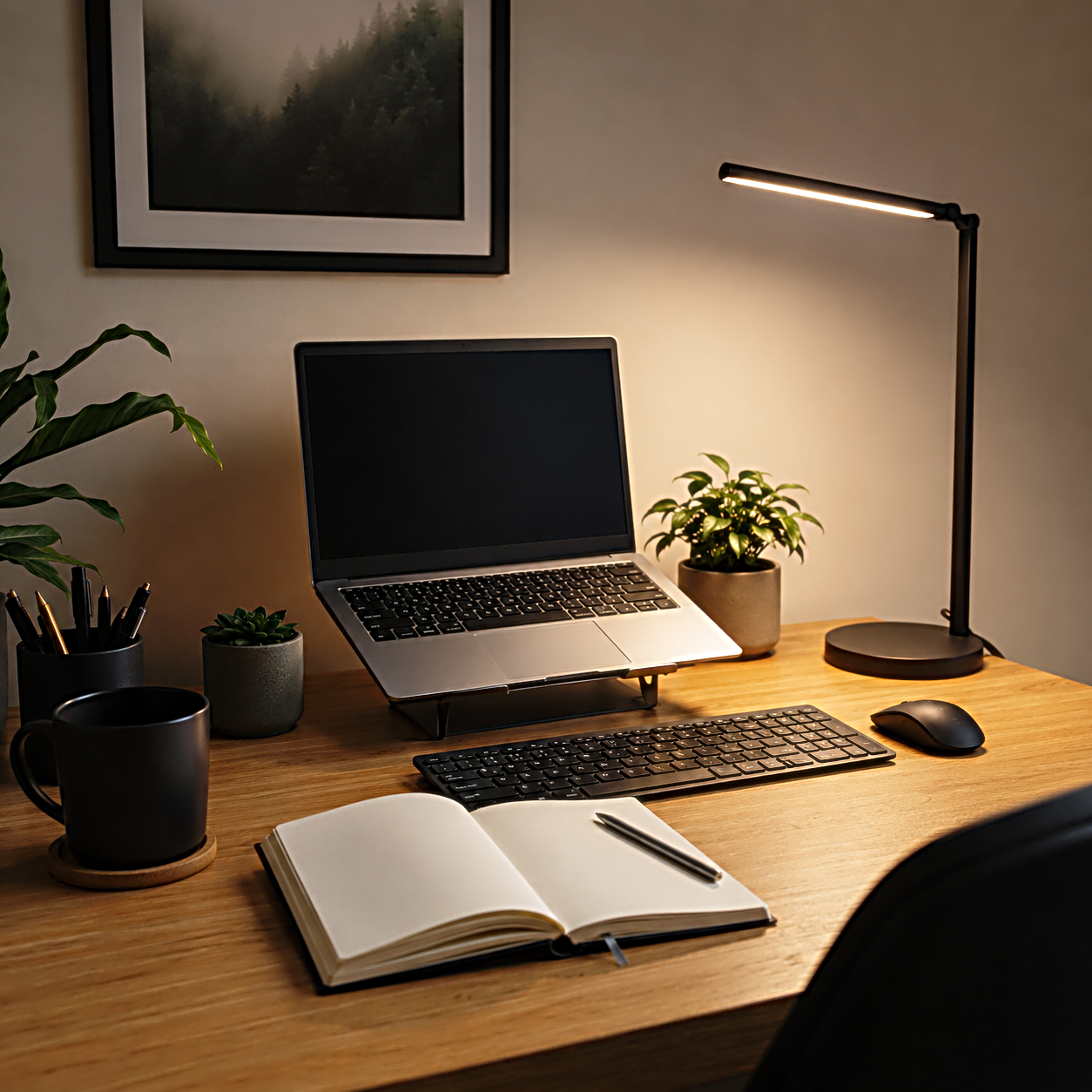
A small desk rarely has one working point.
The keyboard may sit in the center while a notebook opens to the side. A laptop screen rises behind it. A tablet appears for part of the day. A cup, microphone, charging dock, or second device slowly claims whatever space remains.
The lamp has to work around all of them.
When light falls short of the notebook, increasing brightness seems like the fastest correction. It can make the illuminated area stronger without moving that area where it needs to go. The same pool of light remains on the desk, only brighter.
Moving the lamp changes something more important.
A few inches toward the working side can bring the notebook into the beam without pushing the brightest part of the light toward the screen. Raising the head can spread the illumination across a larger surface. Rotating it away from the display can leave the desk visible without putting the lamp itself in the line of sight.
The buying question has already moved away from maximum brightness.
The lamp needs to reach the work.
The useful beam is the one that covers your real work area
A clean product photo makes a desk look simpler than it becomes after an hour of work.
There is usually one laptop, one lamp, and perhaps a notebook. Nothing blocks the arm. Nothing changes position. The brightest part of the beam lands exactly where the photographer wants it.
A working desk does not stay that still.
Writing moves the notebook closer. Editing brings the keyboard forward. A drawing tablet takes over the center. Paperwork spreads sideways. A video call can make the lamp move again because something that was comfortable on the desk now sits too close to the face or screen.
A narrow light can work beautifully when the task stays in one place. It becomes more demanding when the work moves across the surface. A wider beam gives the desk more freedom, but only if the lamp can place that beam without shining into the eyes or washing across the display.
This is where the width of the desk becomes part of the lamp.
A compact table used mostly for a laptop may need less reach than a wide desk shared by a keyboard, paper, and another device. The difference is not whether one lamp is technically brighter. The larger workspace asks the light to travel farther before brightness even becomes useful.
The beam has to follow the work before the controls can improve it.
The arm decides whether the light can follow you
Once the useful area is clear, the lamp arm becomes easier to understand.
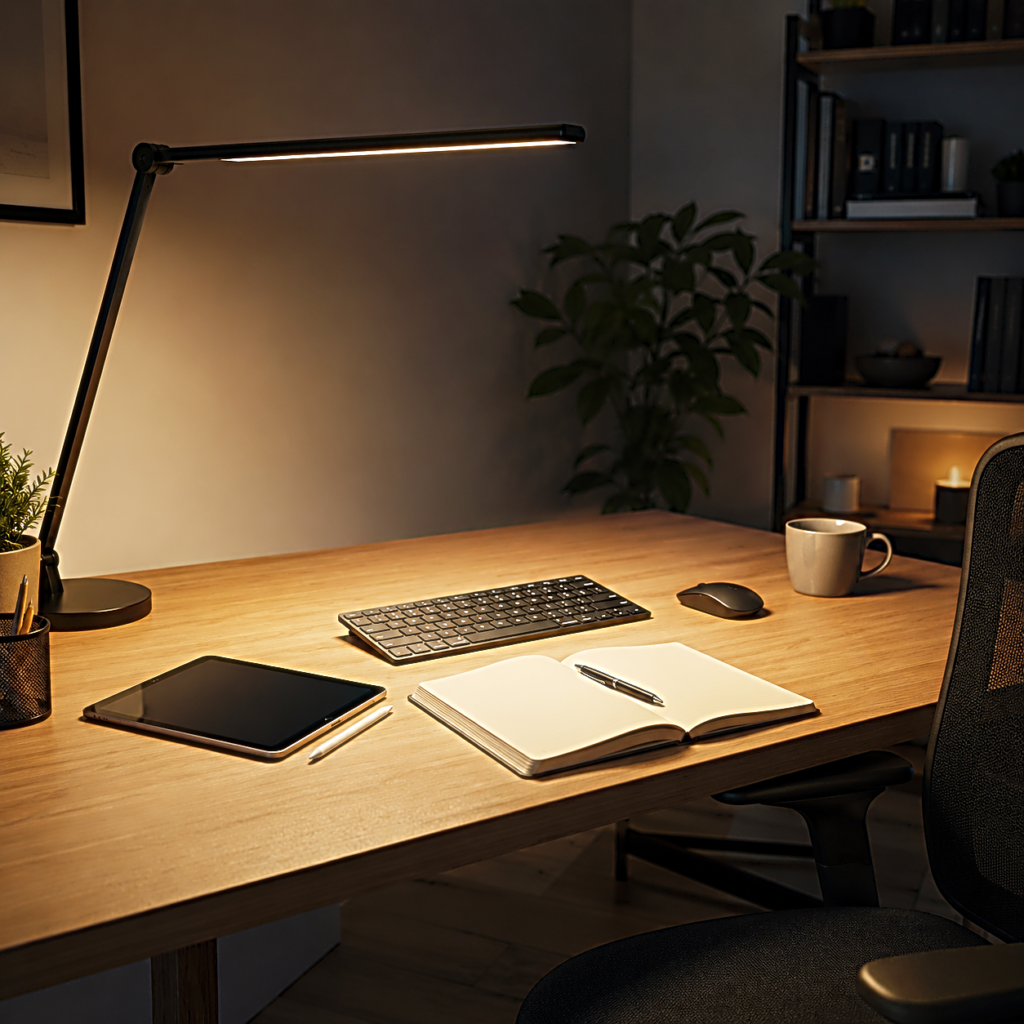
A fixed neck can be enough when the lamp always stays beside the same notebook. An articulated arm matters more when the light needs to move between writing, keyboard work, drawing, or reading something placed farther across the desk.
Reach alone is not the whole movement.
A long arm that only travels in one direction can still leave awkward blind spots. A head that tilts without rotating may place the correct amount of light at an uncomfortable angle. A flexible structure can solve both, but only when it stays where it is positioned.
The best movement is the kind you stop noticing.
You pull the light toward a page, finish the task, move it back toward the center, and the lamp remains there. There is no repeated tightening, no lamp head slowly drifting downward, and no need to reorganize the desk every time the beam moves.
For a creator desk, that quiet adjustment matters more than having many positions that are difficult to use.
The lamp does not need to perform.
It needs to follow.
Screen reflections reveal a bad position quickly
The laptop screen changes the problem again.
A desk can feel dim while the display itself is already producing plenty of light. Adding a lamp beside it introduces another bright surface, and the two do not always cooperate.
Move the lamp slightly and the reflection may disappear.
That small test is useful before comparing another brightness level. If the screen becomes uncomfortable only when the lamp is in one particular position, the lamp may not need less output. It may need a different angle or a different place on the desk.
The screen also shows why a lamp with useful adjustment can matter more than one with an impressive brightness range.
A creator may write in a notebook for twenty minutes, return to the laptop, then move to a tablet. The ideal direction of the light changes even though the lamp itself has not become brighter or dimmer.
Good desk lighting leaves room for those changes.
It illuminates what needs to be seen without becoming another object the eyes have to avoid.
The base takes space before the lamp gives any back
The lamp finally reaches the right place.
Then its base gets in the way.
This part of the purchase is easy to ignore because a base looks small when photographed alone. On a desk, it competes with the same space used by the mouse, speakers, charging gear, notebooks, or the laptop stand that was already there.
The smaller the desk becomes, the more visible that tradeoff feels.
A traditional base is simple. Set the lamp down and move it whenever the desk changes. The price of that flexibility is the surface area it occupies.
A clamp gives that surface back, but it needs an edge that can actually accept the clamp. A thick desktop, a rear panel, cable tray, wall position, or desk pushed tightly against something else can turn an apparently space-saving design into a poor fit.
The question is no longer which mounting style looks cleaner.
Look at the exact place where the lamp would live.
If a base there removes the space used by the mouse, notebook, or speaker, the footprint is part of the lighting decision. If there is no usable edge for a clamp, the clamp does not save anything.
The light and the desk have to fit each other before the lamp can disappear into the room.
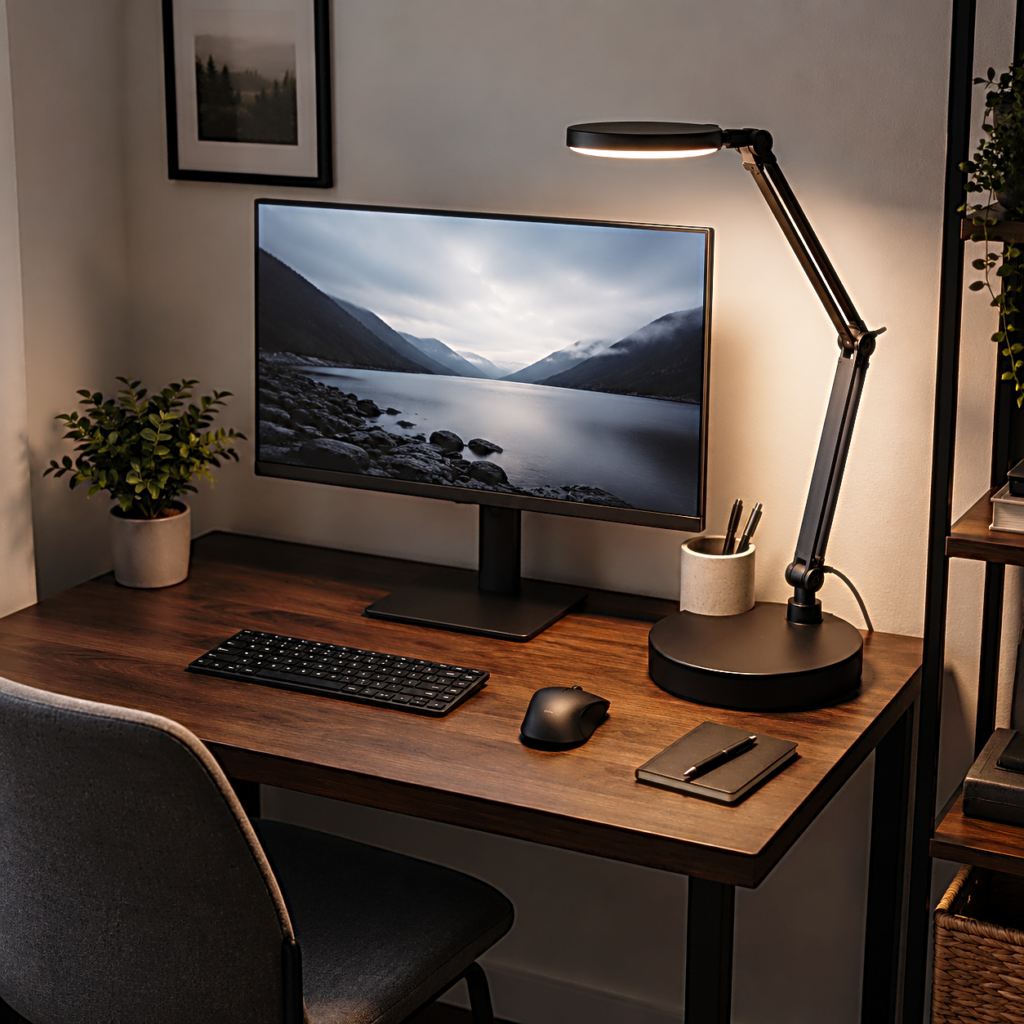
Controls matter once the lamp is already in the right place
Brightness still matters.
It simply arrives later.
Once the lamp can reach the correct area, cover enough of the work surface, avoid an irritating screen reflection, and fit the desk, its controls begin to have a useful job.
A quick brightness adjustment can make the same position work as daylight fades. Several light settings can be useful when the desk moves between paper work and screen work. Memory can save a small repeated adjustment if the same setting is used every evening.
None of those controls can rescue a lamp that lives in the wrong corner.
This is why a long row of touch buttons can look more important online than it feels after the purchase. When the lamp is positioned well, most people settle into a much smaller routine. A familiar brightness. A familiar angle. Perhaps one warmer or cooler setting depending on the work and time of day.
The lamp becomes useful through repetition rather than constant adjustment.
More controls are valuable when they make that repetition easier.
They are less valuable when they are compensating for a beam that never reaches the right place.
A larger number is not always a better desk lamp
Shopping pages naturally reduce lamps to numbers.
More brightness levels. More modes. A longer arm. A wider head. More adjustment points.
Each can be useful.
The mistake is comparing them before deciding what the lamp has to reach.
A narrow desk with one laptop and occasional handwriting does not ask for the same movement as a wide creator desk with a keyboard, tablet, notebook, and charging gear. Someone who keeps the lamp in one place may value a stable arm more than extreme reach. Another person may need the light to cross half the desk several times during a work session.
The specification becomes meaningful only after the desk gives it a job.
This also keeps the purchase from drifting toward the most complicated option simply because it appears more capable. A modest lamp that places light exactly where it is needed can be easier to live with than a larger model whose extra range never gets used.
The desk decides how much lamp is enough.
Choose the position before you choose the LED desk lamp
The first instinct was to make the desk brighter.
That was the wrong place to start.
The desk already had enough light in one spot. The notebook sat outside it. The screen reflected part of it. The lamp could produce more brightness, but it could not make those two problems disappear until the beam moved.
That same check works before buying.
Sit where the work normally happens and look at the part of the desk that becomes difficult to see after the room gets darker. Notice where a lamp could stand without taking useful space. Check whether the light would need to cross a laptop or monitor to reach the working area. Think about whether the notebook, keyboard, or tablet changes position during the day.
Only then does brightness become worth comparing.
An LED desk lamp does not need to make the whole desk glow. It needs to put usable light where the next piece of work will be.
If the lamp can do that without asking the desk to rearrange itself around it, most of the difficult buying decision has already been made.
Related FAQ
Test it in the actual routine it was bought for. A useful product should make work, focus, recording, or rest easier without needing constant adjustment.
It can help when it supports the work session without adding clutter or complexity. The product should make the desk easier to use, not harder to maintain.
It can help when it supports the work session without adding clutter or complexity. The product should make the desk easier to use, not harder to maintain.
It can help when it supports the work session without adding clutter or complexity. The product should make the desk easier to use, not harder to maintain.
Avoid buying from a list before defining the problem. reading lamp should be chosen after the room, desk, workflow, and budget are clear.
Before You Go
Paid links- Advertisement -