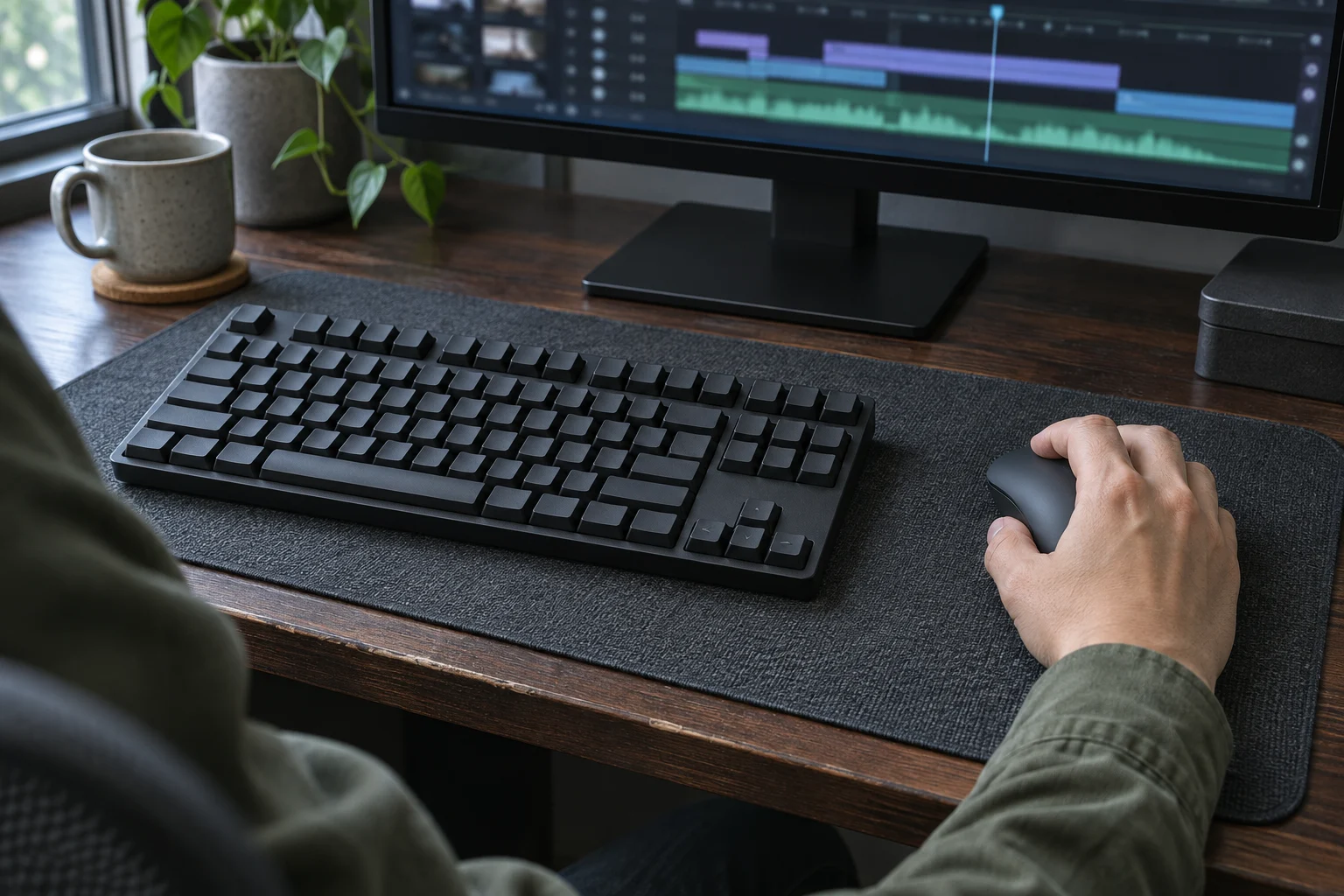
You drag a clip along the timeline and the mouse bumps the keyboard before the edit point comes into view. On a shallow desk, pushing the keyboard back can put it against a monitor stand. A narrower keyboard can give the mouse room beside the letter keys if it still has the keys you reach for during an edit or a billing session. Mark where your hands already work, then check the size and layout of the board you’re considering.
Where does the mouse run out of room?
Sit where you normally work and rest your fingers on the letter keys. Mark the center of the letter block with a piece of removable tape just in front of the board. On a conventional full-size keyboard, the number pad extends to the right of the typing area. Centering the whole case under the screen puts the letter keys to the left of center. Use the tape to keep the same typing position as you compare layouts.
Try a movement you make often, such as dragging a clip to another track or selecting a wide crop. Note where the mouse or your hand meets the keyboard, the edge of the mat, or the side of the desk. If you use the mouse on the left, measure that side first. The extra space from a board with a shorter right end opens up on the opposite side.
Keep the things you use during a normal workday in place. A notebook beside the mouse or a stand foot behind the keyboard can narrow the space you actually use. If you’re still deciding where to type with a raised laptop, settle that before you measure for a separate keyboard.
Which keys do you reach for every day?
Think through the last time you used the number pad. If you enter rows of billing amounts or time logs every day and the mouse still has room, a full-size board can make sense. If you reach for the keypad mainly when sending invoices, a separate one can come out for that task and go away when you edit.
On a smaller board, look for the keys that move you through an edit or a draft. A tenkeyless layout typically keeps a distinct arrow cluster and navigation block while dropping the number pad. A 75% layout brings those keys closer to the typing area. Check the arrows, right Shift, and Delete in a straight-on product photo, especially if you need to reach those keys without looking down.
Open a recent project and run the shortcuts you use most. If any command calls for a specific numpad or navigation key, check how you’d trigger it on the proposed board before crossing that key off your list.
How much space would a narrower case free?
Once you have a layout in mind, read the manufacturer’s dimensions for the exact board. Check the case width at the spot you marked. Measure from the front of the desk to the first object behind the keys, such as the monitor stand. Include room for a wrist rest if you use one.
For a sense of scale, Logitech lists its full-size MX Keys S at about 430 mm wide and its MX Keys Mini at about 296 mm. The cases differ by about 134 mm, or 5.3 inches, in width. Both take up about 132 mm, or 5.2 inches, from front to back.
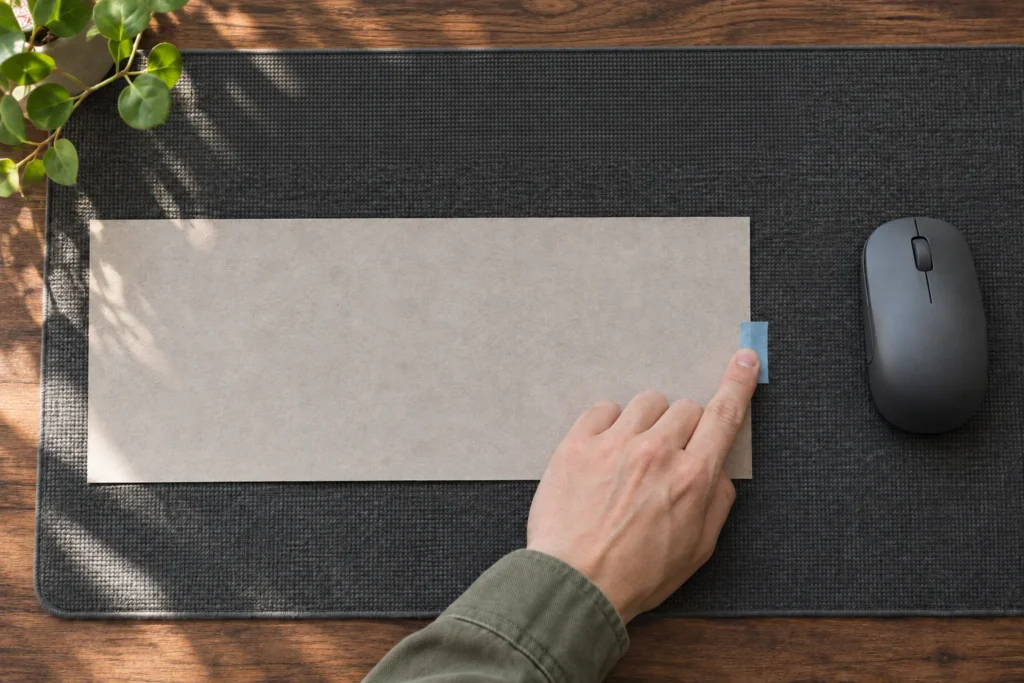
Cut a rectangle from paper to the listed dimensions and move your current keyboard out of the way. Use the product photo to estimate where the letter keys sit within the case, then align that part of the paper with your tape mark. The gap from the paper’s edge to the next obstruction is the room your mouse has on that side.
Can you finish a drag in that space?
With the paper in place, run the same drag again. Try moving diagonally as well as side to side. The mouse may have room to sit beside the keyboard and still reach a stand foot or the edge of the mat before the cursor gets where you need it.
If you’re changing the mouse too, check how far your hand extends beyond its shell. When checking the fit of a vertical mouse, leave room for the way your fingers and thumb sit around the taller body. Keep the keyboard footprint in place for that check.
If you can finish the movement without lifting the mouse to get around the paper or shifting the footprint, that case width works for the task. If you hit the edge, try the next width down that still has the keys your work depends on.
What should you check before ordering?
Write down the width and depth that worked and save the layout photo with your measurements. If the store offers several versions on one page, select the one you’d order and check its dimensions and the keys you marked as essential before adding it to your cart.
Related FAQ
Check the real use case first. earbuds for work should solve a repeated work, focus, recording, or rest problem before specs or discounts decide the purchase.
Check the real use case first. adjustable laptop stand should solve a repeated work, focus, recording, or rest problem before specs or discounts decide the purchase.
Check the real use case first. best desk speakers should solve a repeated work, focus, recording, or rest problem before specs or discounts decide the purchase.
Check the real use case first. phone stand should solve a repeated work, focus, recording, or rest problem before specs or discounts decide the purchase.
Check the real use case first. headphone stand should solve a repeated work, focus, recording, or rest problem before specs or discounts decide the purchase.
Before You Go
Paid links- Advertisement -