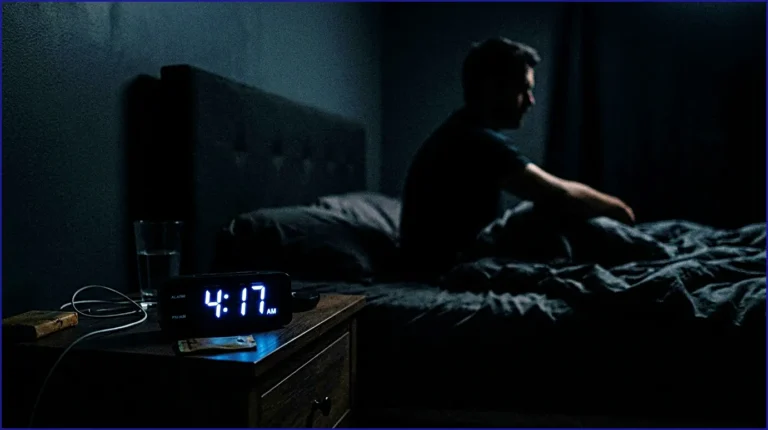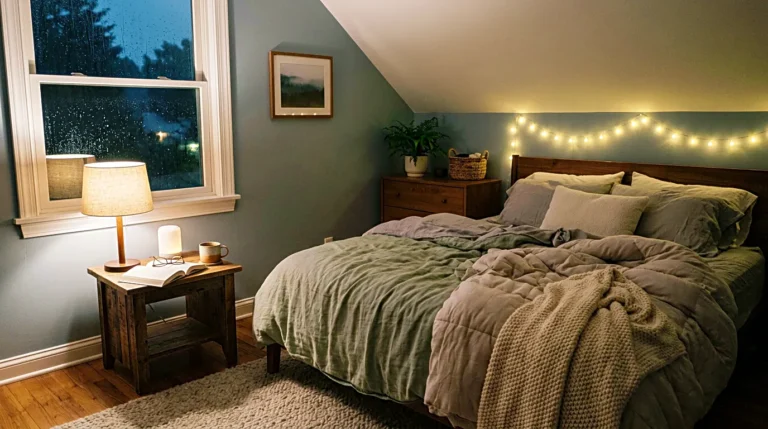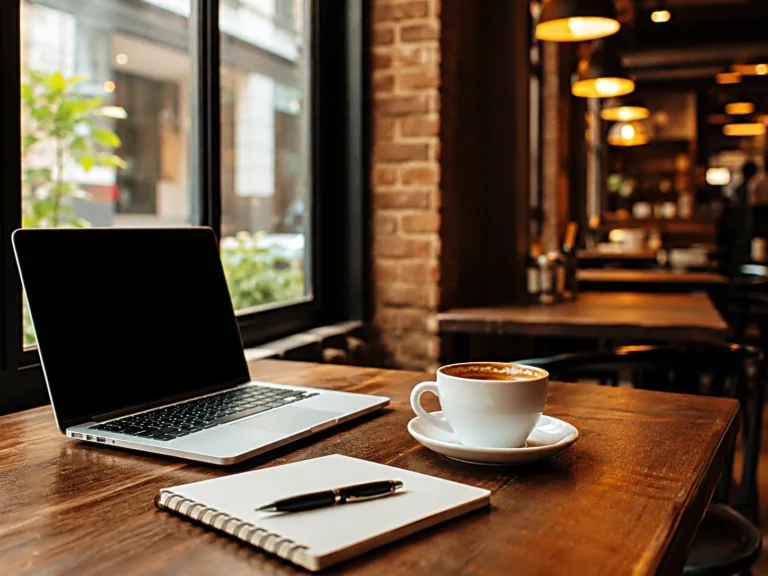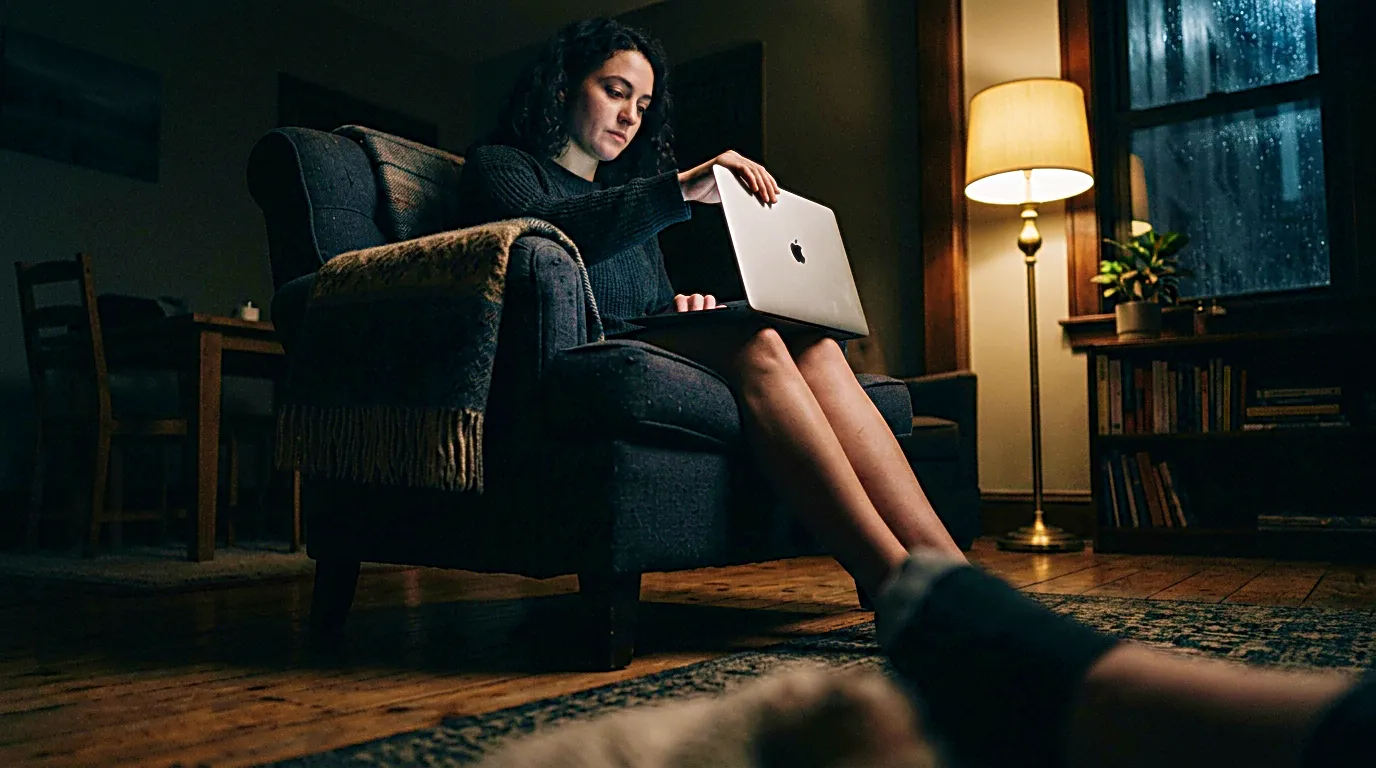
The screen was not bright enough to feel like a problem. It was already dimmed, the room was quiet, and the day was nearly finished. Still, the eyes felt tired in a way that did not disappear when the laptop closed. The phone looked harmless on the bed, but picking it up for one small check made the night feel active again.
Digital fatigue often arrives like that. It does not always feel dramatic. It can feel like heavy eyes, shallow attention, a restless mind, or the strange feeling of being tired and wired at the same time. Nothing is urgent anymore, but the brain keeps responding as if another tab might open.
For creators, freelancers, students, and anyone working from home, screen time is not only entertainment. It is work, communication, planning, publishing, research, editing, banking, messages, and the small unfinished pieces of the day. That makes digital fatigue harder to notice because the same device can be both useful and exhausting.
A new wellness app can look tempting at night. A better habit tracker, a meditation timer, a screen time blocker, a sleep routine app. Some of them can help. But when the evening is already full of screens, adding another app can also become one more thing to open, adjust, check, and manage.
Digital fatigue at night often needs less input before it needs another tool.
The screen was finished, but the mind was not
Closing a laptop does not always close the work. The screen disappears, but the shape of the day can stay active in the mind. A draft that needs editing, a message that needs answering, a dashboard that needs checking, a post that may or may not perform well tomorrow. Even when the device is off, the body may still be carrying the rhythm of the screen.
This is one reason digital fatigue can feel different from simple tiredness. Physical tiredness often asks for rest. Screen fatigue can ask for more checking. The eyes are strained, but the hand still reaches for the phone. The mind feels crowded, yet it looks for one more small answer.
Eye strain, mental fatigue, and too much screen time can overlap in quiet ways. The problem is not only that the screen is bright. It is also that the screen keeps offering unfinished loops. A notification can reopen the day. A short video can stretch into twenty minutes. A work app can turn a bedroom into a second desk.
When the mind is still moving at screen speed, rest has to work against momentum.
Screen time gets heavier when every device has a different job
Not all screen time feels the same. Writing a post, checking analytics, answering messages, watching a video, editing an image, and scrolling through social media all ask for different kinds of attention. The fatigue becomes heavier when those jobs happen on the same device without a clear boundary.
A phone beside the pillow can be a clock, a rain sound player, a message inbox, a video app, a camera, a payment tool, and a work notification center. A laptop can be a writing desk, a shopping window, a meeting room, a publishing tool, and a place to avoid starting the next task. The device stays the same, but the mind keeps switching roles.
That switching is part of digital fatigue. It is not always the total number of hours that makes the evening feel noisy. Sometimes it is the number of roles the screen has been asked to hold.
A calmer digital wellness routine begins when the last hour of screen time becomes less mixed. Work tools should not keep sitting open beside entertainment. Messages should not stay beside the sleep timer. A browser full of unfinished tabs should not become the last thing the eyes see before bed.
The evening does not need to be screen free. It needs fewer role changes.
Another app can become another open loop
Wellness apps are easy to justify because they look like solutions. A digital detox app can promise better limits. A meditation app can offer a calmer transition. A screen time tracker can show where the hours go. A sleep app can make the night feel more organized.
There is nothing wrong with using those tools. The problem starts when the app becomes another loop instead of a boundary. Setting it up takes attention. Checking progress takes attention. Comparing routines takes attention. Adjusting reminders takes attention. Soon the tool meant to reduce digital fatigue is asking for more screen time.
This does not mean every app is unnecessary. It means the first question should be smaller. Before adding a new app, look at the moment when the fatigue begins to build. Is it after work messages? After editing? After social media? After checking analytics? After moving from a laptop to a phone without any real pause?
Digital fatigue at night is often easier to reduce when screen time has a clearer ending, not when another app is added to manage it.
That sentence matters because it changes the order. The app comes after the boundary, not before it.
The last screen should not ask for a decision
A tired mind does not need more choices at night. It needs fewer chances to restart the day.
This is where the last screen matters. If the final screen is a feed, it keeps changing. If it is a dashboard, it keeps asking for interpretation. If it is a message thread, it keeps carrying other people’s timing. If it is a shopping page, it creates another decision. None of these is terrible on its own, but they make the end of the day less complete.
A better screen routine does not have to be strict. It can simply make the last digital action predictable. Close the work tab before opening anything else. Move the phone away from the bed before the room gets dark. Keep the sleep sound or alarm ready without browsing for it. Let the final screen be something that does not ask for a response.
For people working from home, this small separation matters. The desk and the bedroom may be close. The laptop and phone may carry the entire business. Without a clear ending, the screen keeps following the body from work into rest.
Digital wellness is not only about reducing screen time. It is also about deciding which screen deserves to be the last one.
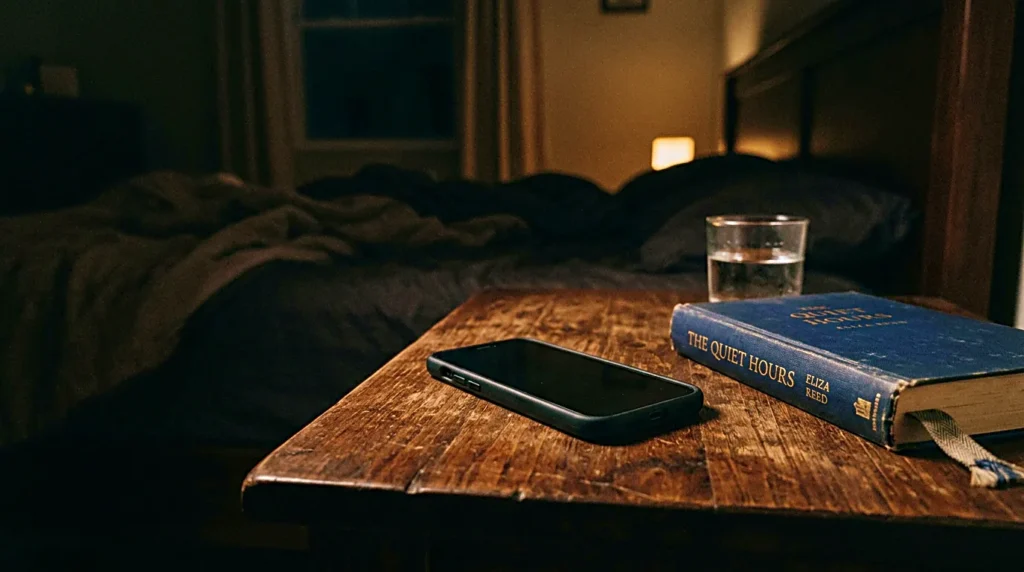
Eye strain is not only a brightness problem
When the eyes feel tired, brightness is the first thing many people adjust. Lower brightness can help the screen feel less sharp, especially in a dark room. But eye strain at night is not only about brightness. Contrast, distance, posture, room lighting, font size, and the length of uninterrupted focus can all change how heavy the screen feels.
A dim phone in a dark room can still feel intense because the screen becomes the brightest object in the space. A laptop can feel harder to look at when the room light is uneven. Tiny text can keep the eyes working even when the brightness is low. A screen that is physically close to the face can feel more demanding than a larger screen placed farther away.
The simple fix is not always another filter. Sometimes the room needs a small lamp. Sometimes the phone needs distance. Sometimes the next task should move from screen to paper. Sometimes the night needs one activity that does not involve reading, tapping, swiping, or checking.
None of this needs to become medical advice. Persistent eye discomfort belongs with a professional, especially if it keeps happening. But for ordinary screen fatigue, the environment around the screen is worth checking before searching for another digital solution.
Digital detox should be small enough to repeat
The phrase digital detox can sound too large. It can feel like deleting apps, disappearing from social media, turning off every notification, or changing an entire lifestyle. That version may work for some people, but it can feel unrealistic for creators and freelancers who actually use screens to earn, publish, communicate, and build.
A smaller digital detox can be more useful. It may mean no work dashboard after a certain hour. It may mean the phone charges outside the bed area. It may mean one screen free action before sleep. It may mean turning off only the notifications that reopen work at night.
The value is not in making the rule impressive. The value is in making it repeatable.
A digital detox that only works on a perfect day will not last. A small boundary that can survive an ordinary night is more practical. The body learns the pattern because the pattern is not too heavy to keep.
For a wellness routine, repeatability matters more than intensity.
The evening should have one non digital landing place
The screen often stays active because there is nowhere else for attention to land. If the day ends with a phone, the phone becomes the default transition. If the laptop closes and nothing replaces it, the hand may reopen another screen without much thought.
One non digital landing place can change that. It does not need to be beautiful. It can be a notebook, a printed page, a small stretch, a dim room, a cup of tea, a short walk inside the house, or simply sitting for a few minutes without holding the phone. The important part is that attention has somewhere to go that is not another screen.
This helps because digital fatigue is not always solved by stopping. Stopping can feel empty at first. A small landing place makes the gap easier to enter.
For solo creators, this is especially useful after publishing or editing. The mind may still be attached to the work. A non digital transition gives the day a softer edge before the night begins.

A calmer routine starts before the app opens
The useful part of a screen time routine is not the rule itself. It is the moment the day begins to slow down. That moment can happen before a wellness app opens, before a timer starts, and before the phone asks for another check.
A calmer evening might begin with closing the work tab fully instead of leaving it for later. It might begin with moving the phone out of reach before lying down. It might begin with changing the room light before opening a sleep sound. It might begin with deciding that analytics, messages, and drafts no longer belong to this part of the night.
Those choices are small, but they change the meaning of the screen. The device becomes less like an open door and more like a tool that has finished its job for the day.
The best screen time routine is not the one with the most rules. It is the one that makes the next hour feel less interrupted.
That is usually where digital fatigue starts to loosen.
The night does not need another system first
There will be nights when the screen still wins. The phone will stay too close. The laptop will remain open longer than planned. A message will pull the mind back into work. That does not mean the routine failed. It only means the boundary needs to be small enough to return to tomorrow.
Digital fatigue at night is not fixed by one perfect setting. It is eased by fewer open loops, fewer mixed roles, and a clearer ending to the screen part of the day. Apps can support that, but they should not become the center of it.
Before adding another wellness app, fix the screen time that already surrounds the night. Let one device finish its job. Let one room become less bright. Let one final check wait until morning. Rest has a better chance when the evening stops asking for so many answers.
Related FAQ
It belongs before the work becomes complicated. recovery after screen work should make it easier to start, continue, or recover from a session without adding more mental noise.
It belongs before the work becomes complicated. digital fatigue at night should make it easier to start, continue, or recover from a session without adding more mental noise.
Check the actual friction first: sound, light, posture, screen distance, or visual clutter. morning work routine helps only when it solves the part of the workspace that is breaking focus.
It may help when the problem is tied to light, sound, posture, or screen habits. If the fatigue comes from schedule or overload, the setup should be paired with a clearer break routine.
It may help when the problem is tied to light, sound, posture, or screen habits. If the fatigue comes from schedule or overload, the setup should be paired with a clearer break routine.
Before You Go
Paid links- Advertisement -