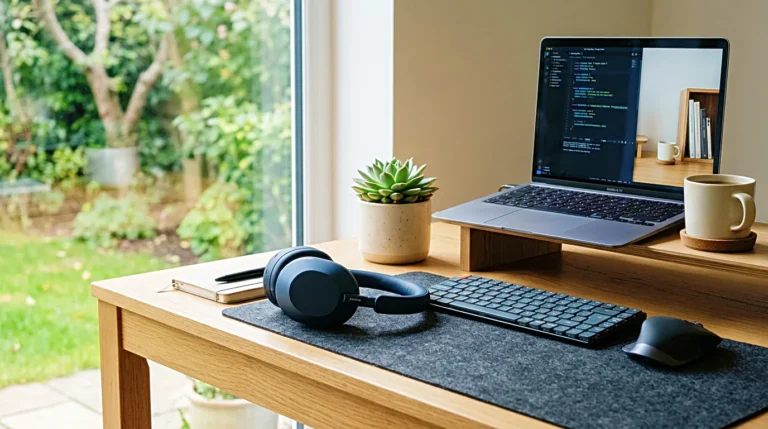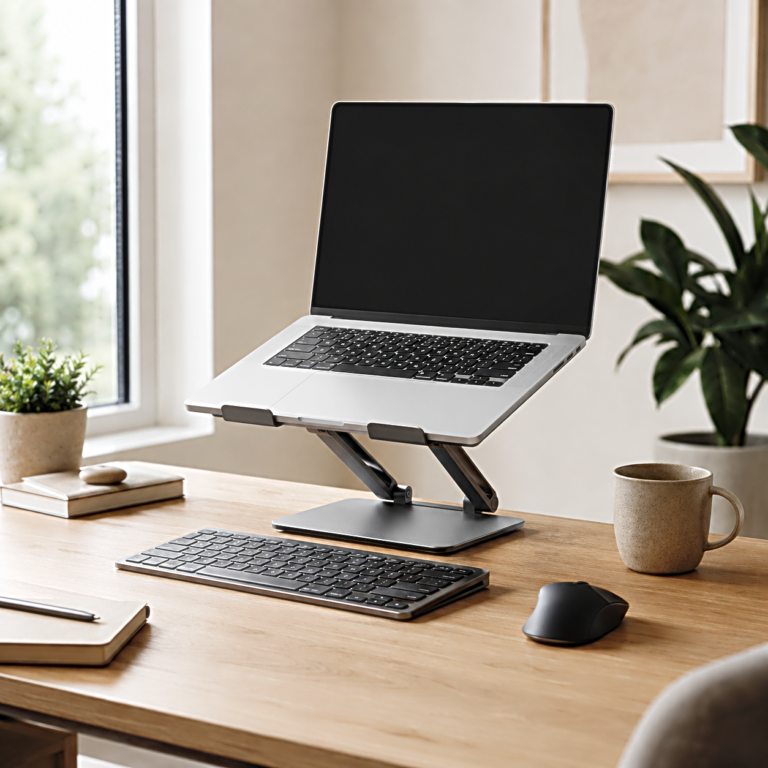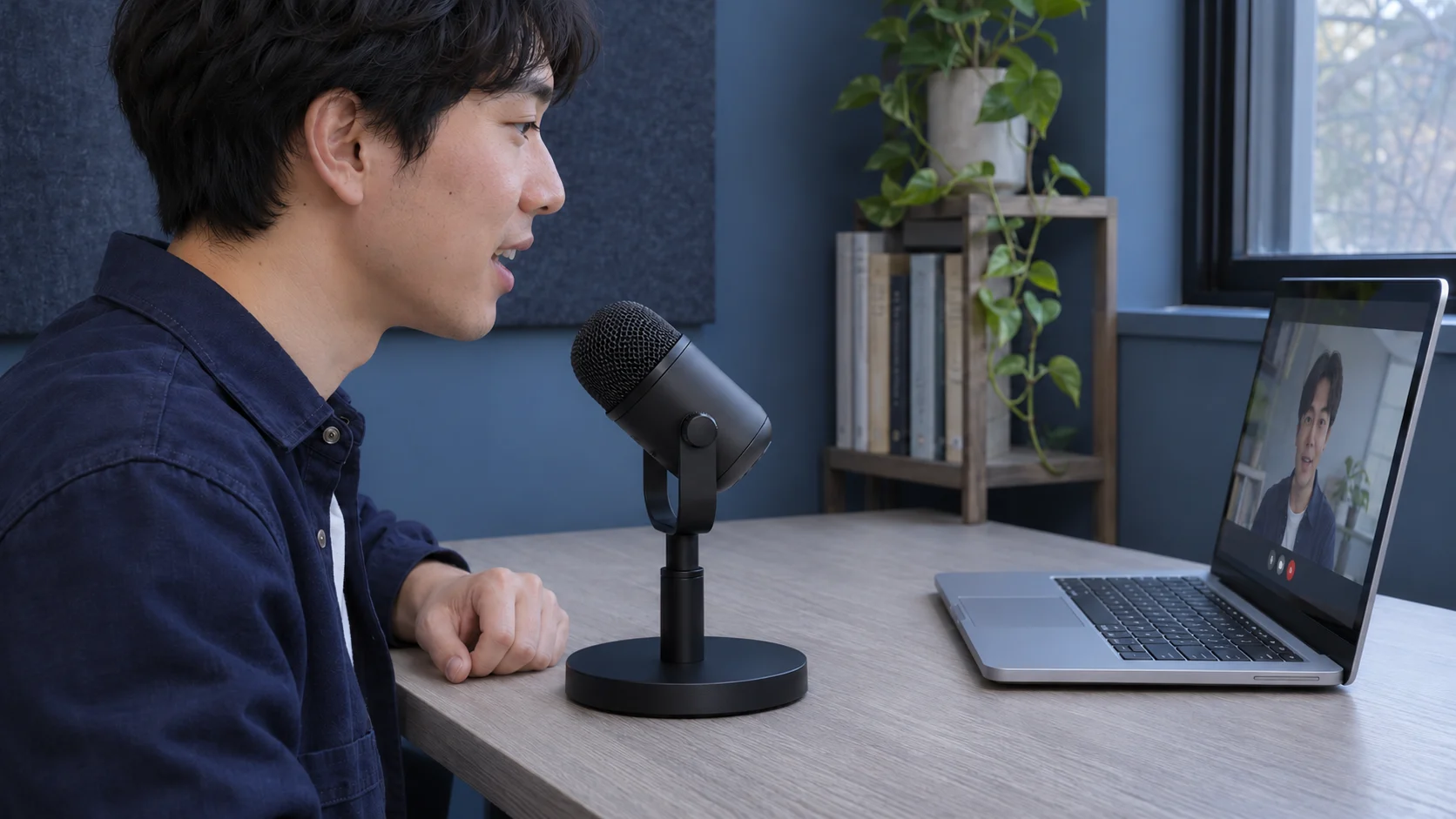
You play back a tutorial and hear the space bar between sentences. The keyboard and laptop already take up most of the desk, and the one clear spot is back by the screen. A compact cardioid USB mic can work in a small room if its stand puts the speaking side close to your mouth while you sit normally. Find that spot first, then check where the keyboard will sit and what it takes to mount the mic.
How close can the mic sit while you talk?
Sit where you usually record and say a line to the camera. Hold a pencil at a spot where the mic grille could sit, a little below or beside your face. Measure from there to your mouth. If you move back when you look down at notes or reach to show something on the desk, check what happens to that distance.
Compare your measurement with the placement advice for the models you’re considering. RØDE, for example, suggests speaking about 5 to 10 cm (2 to 4 inches) from its PodMic USB when troubleshooting low input level. Look for a diagram of the speaking side, too. An end-address mic points its grille toward you. A side-address model takes speech through the marked face on its side.
Open the camera preview at your usual framing. See how far a mic at that spot would extend into the picture. If you need to move it down or to the side, look for a stand that can tilt the speaking face toward you from the new position.
Where is the keyboard noise coming from?
Record a short sample with your current setup. Say a line, use the keys you normally hit while talking, then pause and type again. Listen for the sharp key sounds in the room and the lower thumps you hear when the desk moves. A mic and keyboard resting on the same surface can pick up some of that vibration through the stand.
For key noise traveling through the air, bring the mic closer to your mouth if the manual allows it. That can make the voice stronger relative to the keys and room reflections. Use the pickup diagram for the exact model to see which directions are less sensitive. A cardioid mic generally picks up less sound from behind, so try to keep the keyboard on that side while the speaking face points toward you.
If the thumps follow each tap on the desk, check how the mic is supported. A compatible shock mount can help isolate vibration. A boom arm attached to the same desk gives you a different position and can still carry some vibration from the desk.
Will the stand put the mic in that spot?
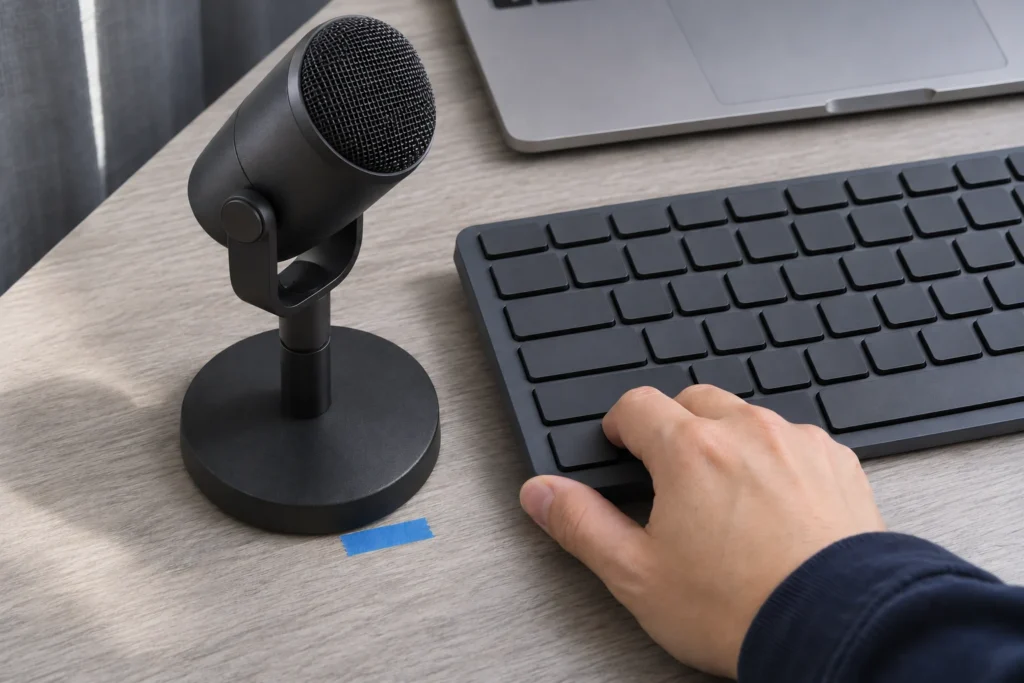
Cut a piece of paper to the stand’s listed base dimensions and put it on the desk. Check the height and tilt the stand can give you from that footprint. Leave room for normal keyboard and mouse movement on a shallow desk. A base that fits between the keys and the screen may still leave the mic too far away.
If a boom arm is the better fit, measure from the clamp point to where the grille needs to sit. Check the arm’s reach, supported weight range, and thread or adapter against the mic and any shock mount you plan to use. Use the same steps for checking clamp clearance under the desk, then compare those measurements with the microphone arm’s own installation guide.
What should you check in the box?
Check the exact bundle for the stand, mounting adapter, and USB cable. Confirm which connector goes into the computer and whether the mic supports the system you record on. If a stand or adapter is sold separately, include it when you compare the total cost of the setup.
If you listen through headphones while recording, check whether the mic has a headphone jack with direct monitoring. Look for controls you can reach from the chosen position, especially if you adjust the level between a quiet voice-over and a live demonstration.
What should your first recording tell you?
Set the mic where you measured and record the same line and keystrokes again. Play the two clips at roughly the same voice level. Listen for the keys under the words, check that you can stay in your normal posture, and look at the frame. Those are the conditions the stand and mic need to hold through a full take.
Related FAQ
Check the real use case first. headphone stand should solve a repeated work, focus, recording, or rest problem before specs or discounts decide the purchase.
Check the real use case first. phone stand should solve a repeated work, focus, recording, or rest problem before specs or discounts decide the purchase.
Check the real use case first. adjustable laptop stand should solve a repeated work, focus, recording, or rest problem before specs or discounts decide the purchase.
Check the real use case first. best desk speakers should solve a repeated work, focus, recording, or rest problem before specs or discounts decide the purchase.
Avoid buying from a list before defining the problem. portable laptop stand should be chosen after the room, desk, workflow, and budget are clear.
Before You Go
Paid links- Advertisement -