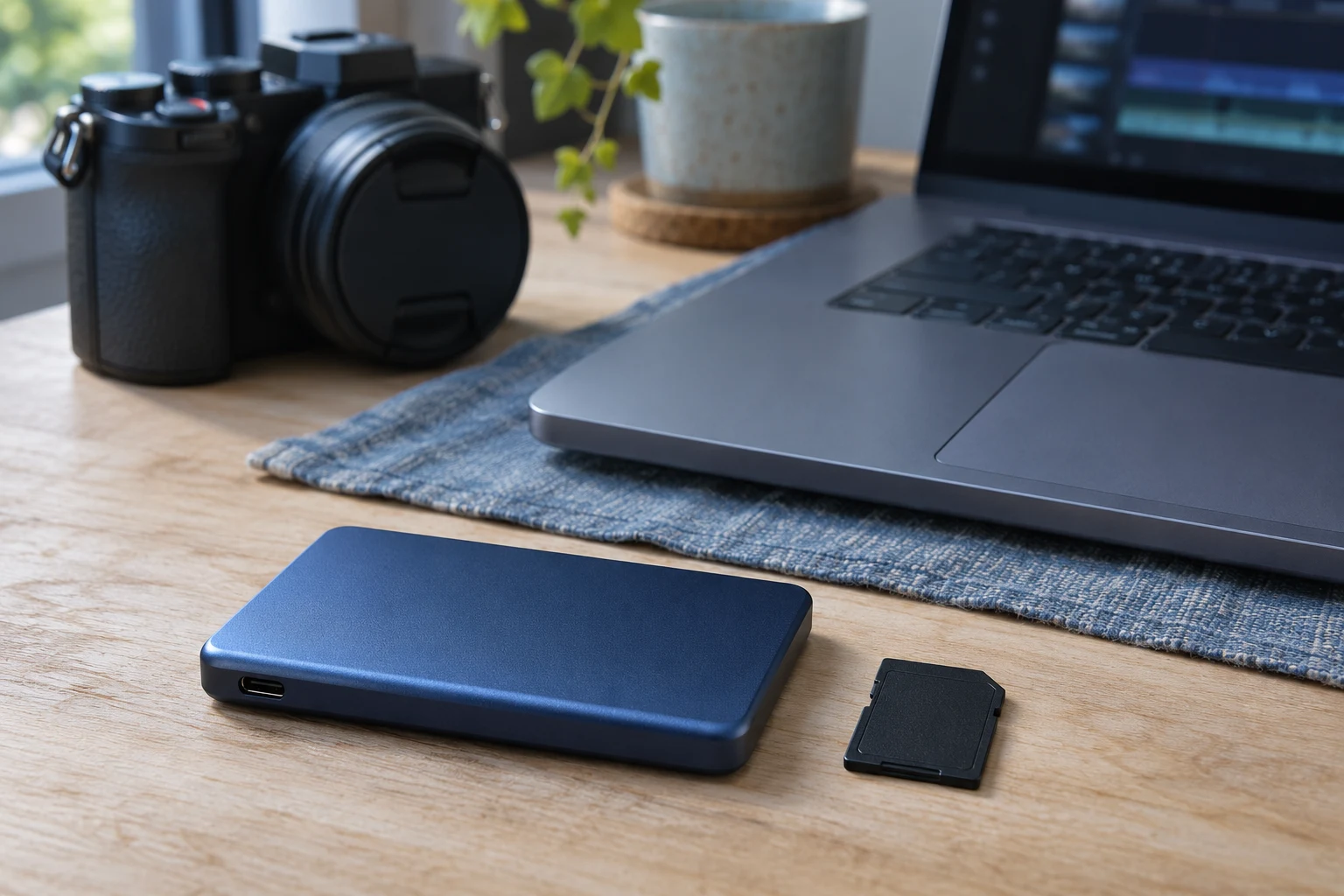
A short video can take up little room once it’s exported. Reopen the edit a week later and you may still need the original clips, the project file, and the assets you used to finish it. To choose a portable SSD, measure a complete project, count how many you want to keep ready to reopen, and check the data speed of the port you’ll use. Then decide where a second copy will live before you move anything off your laptop.
How much space does a finished project still take?
Open a recent project folder and look at the space occupied by the files you would need for a revision. Count the original footage, project file or library, narration, stills, and final export. If some assets live outside that folder, include them too. For a short built from two photos and one filmed action, the source photos and full take may be more useful to keep than a folder of old exports.
Check where your editor puts proxies and render files. If you’ll edit from the SSD and the editor writes those files there, include the space they occupy while you work. If the drive is for completed work, check that the editor can regenerate them before leaving them out. Keep a copy of anything you would need to rebuild the project, including media that the project links to elsewhere.
Measure a typical project and a heavier one, especially if your recording settings or the number of takes vary. A busy shoot can fill the drive while several older edits are still open. Leave room for the next card or phone dump before planning to clear any space.
What speed can your USB connection actually use?
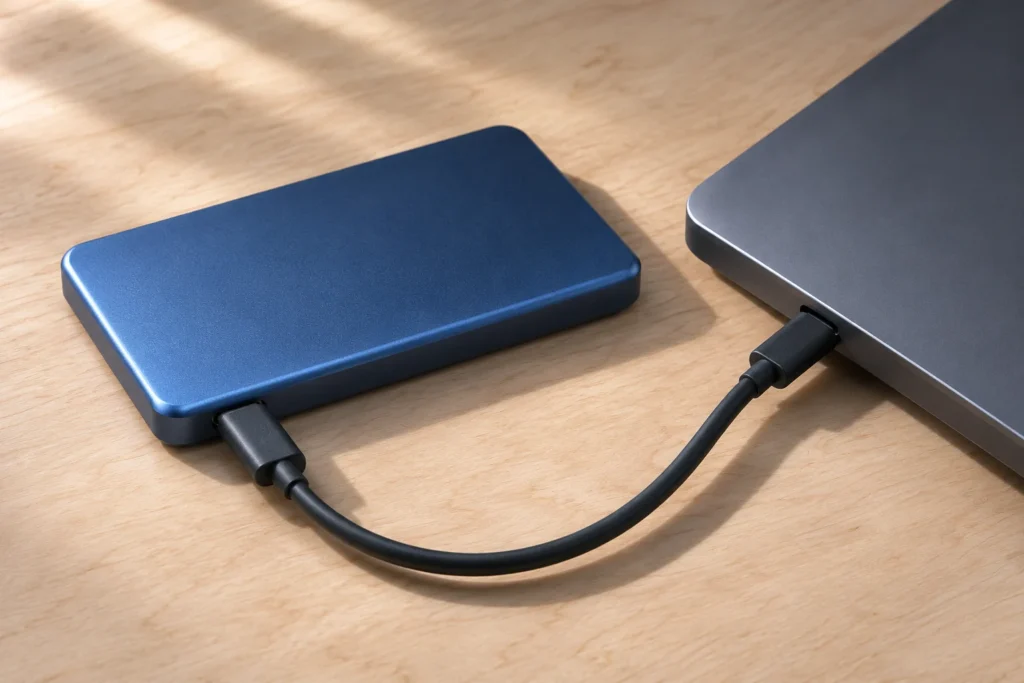
Start with the spec for the exact port on your laptop. A USB-C connector can carry several different data speeds. Compare the laptop’s specification with the portable SSD’s interface and the data rating of the cable. If the laptop port offers USB 10Gbps, the advertised speed of a USB 20Gbps drive will still be limited by that path.
Check the dock as well if the SSD will normally stay plugged into it. Look up the data rate of the socket you would use and the dock’s connection to the computer. On a small desk, leave enough cable slack for the way you move your laptop so the plug stays seated.
When the drive arrives, copy a representative folder through your usual port and cable and time the whole copy. If you plan to edit from the drive, open a copy of a recent project and scrub through the footage. A copy test shows what an offload feels like. The timeline test shows how the drive fits the actual edit.
When does it make sense to buy more capacity?
Multiply the size of a typical project by the number you expect to keep ready to reopen, then add space for a larger incoming shoot. For example, six projects at 85 GB each plus 120 GB for new footage come to 630 GB. A 1 TB drive is a reasonable size to check for that workload. If twelve projects need to stay available, the same estimate comes to 1,140 GB, so start by comparing 2 TB drives.
Use your own folders in the calculation and allow for free space after formatting and for whatever your editor puts on the drive. If you regularly move finished projects to separate storage, count the projects that tend to overlap. If clients return for revisions months later and you keep those jobs on the portable drive, count the longer stretch.
Where will the other copy live?
Give each job a folder that holds the working project and the media it needs. If you move an existing job to the SSD, reopen the project from there and check a few clips, stills, and audio tracks. Some editors keep pointing to files on the laptop after a folder has been copied. Resolve those links before removing the originals.
A working folder and a duplicate on the same SSD share the risk of a failed or lost drive. Keep a second copy on separate storage and keep an off-site copy for work you couldn’t recreate. If the SSD is the only destination for footage from a memory card, wait until you have checked another copy before clearing the card.
Before ordering, write down the capacity your folders add up to, the port and cable you plan to use, and the place your footage will be backed up. If the portable SSD will hold your only copy, put a second storage location in the budget.
Related FAQ
Check the real use case first. adjustable laptop stand should solve a repeated work, focus, recording, or rest problem before specs or discounts decide the purchase.
Check the real use case first. earbuds for work should solve a repeated work, focus, recording, or rest problem before specs or discounts decide the purchase.
Check the real use case first. best desk speakers should solve a repeated work, focus, recording, or rest problem before specs or discounts decide the purchase.
Check the real use case first. phone stand should solve a repeated work, focus, recording, or rest problem before specs or discounts decide the purchase.
Check the real use case first. headphones for sleeping should solve a repeated work, focus, recording, or rest problem before specs or discounts decide the purchase.
Before You Go
Paid links- Advertisement -