You open a notebook to film a page turn. The phone can see the page, but your hand leaves the frame as soon as it reaches the corner. Move the phone back and the stand takes up the place where your elbow usually rests.
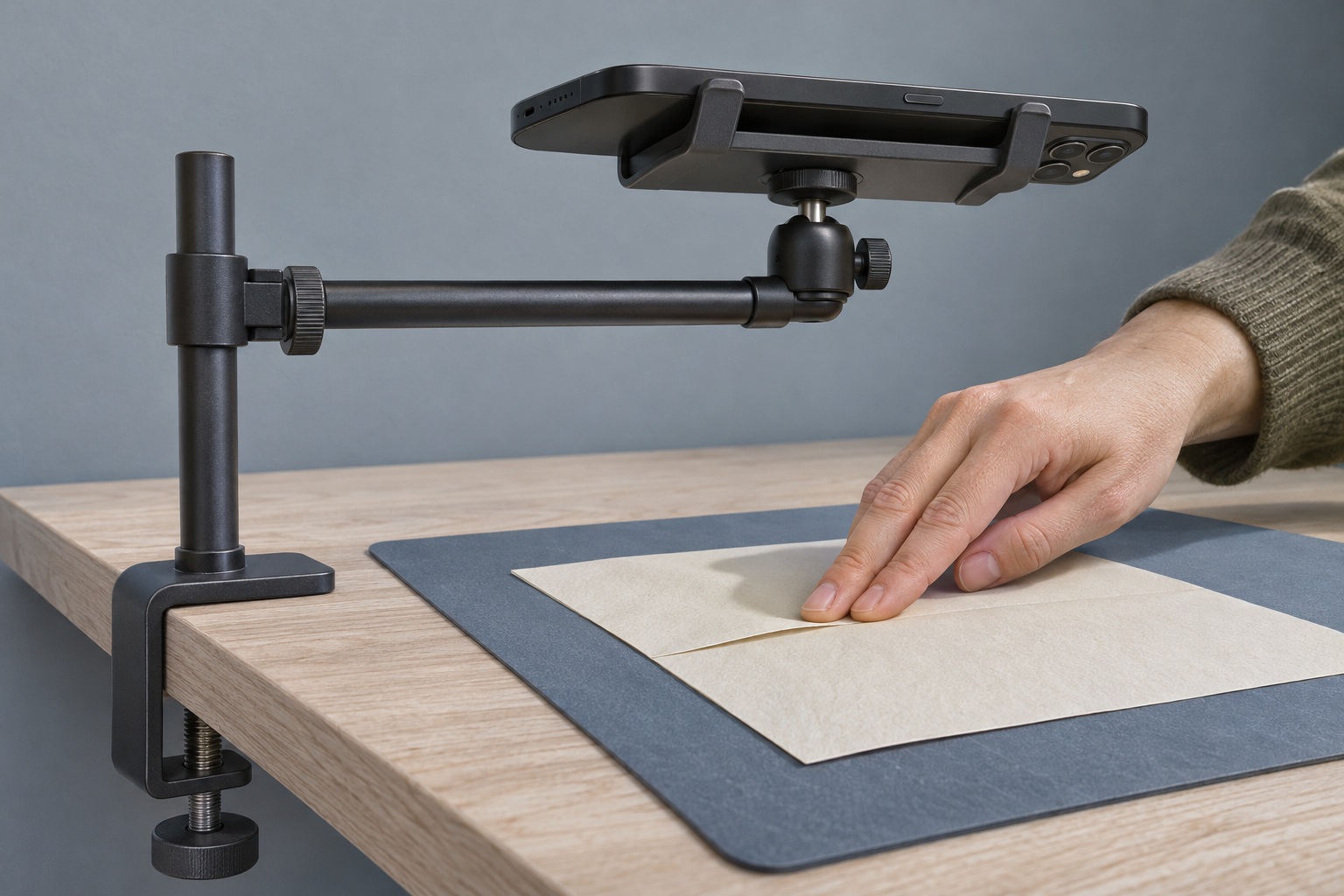
The right overhead phone mount puts the lens above the work and leaves room for the movement you’re filming. A weighted base suits a desk you clear after shooting if there’s room to set it down. A clamp makes sense for a spot you film at often if the desk edge can take it. To see which fits, start with the shot and work backward to where the mount would sit.
How much of the movement needs to fit?
Put the notebook or project where you’ll actually work. Sit as you normally would and go through the whole movement. Notice where your hands enter, how far a page swings, and where you set a tool down. Mark the outside of that area with scrap paper. The work may fit on a single sheet while the action takes up much more of the desk.
Hold the phone securely with both hands and preview the shot in the orientation you’ll publish. For a flat view of paper, start with the phone parallel to the desk and the rear camera facing down. For an action where the side of an object matters, like lifting the lid off a small box, preview a slight tilt as well. Look for the lowest height that keeps the full movement in view and leaves space for your hands under the phone.
Once the preview works, note where the active lens sits above the desk. That point and the lens height give you a target for the arm.
How far does the arm have to reach?
Measure across the desktop from a possible mounting point to the spot directly under the lens. Take that measurement from the side and the back if both are available. The nearer edge may need less reach, while a post at the back could leave more room beside your working hand.
Compare your measurement with the arm’s horizontal reach at your shooting height. Overall arm length can include a section that points up or a joint that bends around a screen. Check the maker’s side-view drawing or setup instructions for the shape the arm can actually hold. Allow for the offset between the center of the phone holder and the rear lens.
Would a weighted base or a clamp fit better?
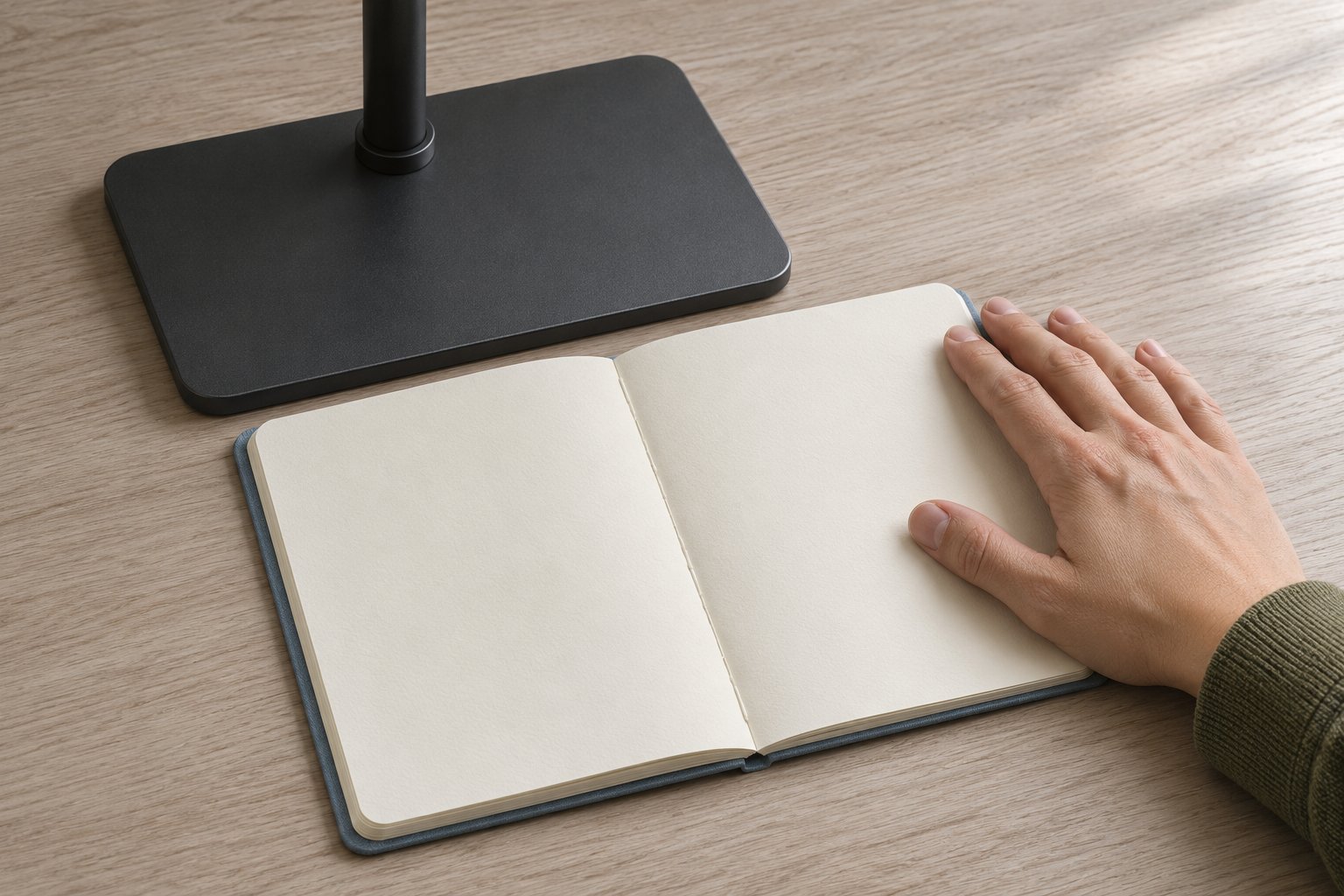
A freestanding stand is easy to put away when the desk goes back to laptop work. Mark out the base on paper and place it where the post would go, with the arm pointing toward the shot. Open the notebook, move your mouse, and set down the tool you’ll pick up mid-take. If the base gets in the way, try the other side and measure the reach again.
A clamp can keep the work surface clear between shoots. Look under the exact spot you’d use. Both pads need a surface they can sit flat against, and the screw needs room to turn. A beveled edge, drawer, or cable tray can get in the way even when the tabletop is within the maker’s stated thickness range. Check the permitted surface materials in the instructions too.
Where will the arm go between takes?
Picture where the arm would sit during a take and where it would rest afterward. With those positions in mind, open the laptop lid and reach for the mouse. A rear clamp can fit the edge and still put its post where the lid needs to swing. A side clamp can leave the screen clear and still cross the route your hand takes to grab a tool. Try a different mounting point if either move feels cramped.
If you film with the phone plugged in, leave slack at the port when the arm is both over the desk and swung aside. The same check helps when routing cables around gear that moves on the desk.
What should you check in the listing?
Look for a holder that locks with the rear camera aimed down in your shooting orientation. Check the grip range against the phone in its case and see where the pads would land. The lens and side buttons need to stay clear, along with the port if you’ll use it. Make sure the phone holder and any adapter shown in the setup photo are included or available separately.
Check the maker’s mounting instructions and load guidance for the position you’ll use, especially if the arm has to extend most of the way. Include the case and any accessories in the weight you check. For a base, compare its footprint with the outline you tried. For a clamp, use the thickness and clearance at the exact edge you measured.
Try one full take
Once the mount is in place, record a dry take from your usual seat. Start recording, pull your hands away, then make the full move. Watch for the arm settling after you touch the screen, a wrist brushing the post, or the last part of the action slipping out of view. If this will be the action in a short before-and-after video, check the shot at the crop you plan to use in the edit.
Pick a spot you can return to the next time you film. Keep the setup if it reaches that spot, stays steady through the action, and clears the desk easily when you’re done.
Related FAQ
Check the real use case first. phone stand should solve a repeated work, focus, recording, or rest problem before specs or discounts decide the purchase.
Check the real use case first. best desk speakers should solve a repeated work, focus, recording, or rest problem before specs or discounts decide the purchase.
Avoid buying from a list before defining the problem. small desk speakers should be chosen after the room, desk, workflow, and budget are clear.
It can help when it supports the work session without adding clutter or complexity. The product should make the desk easier to use, not harder to maintain.
It can help when it supports the work session without adding clutter or complexity. The product should make the desk easier to use, not harder to maintain.
Before You Go
Paid links- Advertisement -